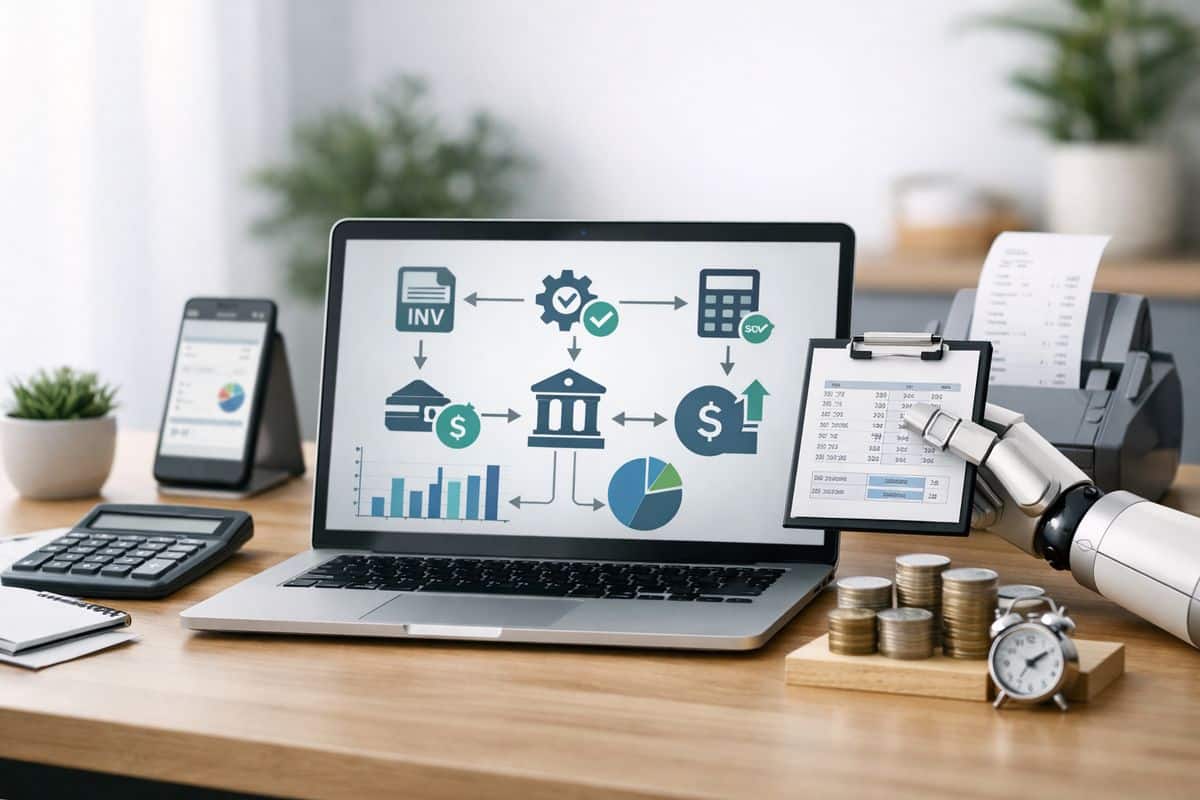
If you are asking do small businesses need real time accounting, the short answer is this: some do not, but many already do and are paying for slow finance without realising it. Once your business decisions move faster than your accounts, delayed reporting stops being an admin issue and becomes a control problem.
What Real-Time Accounting Means for Your Business
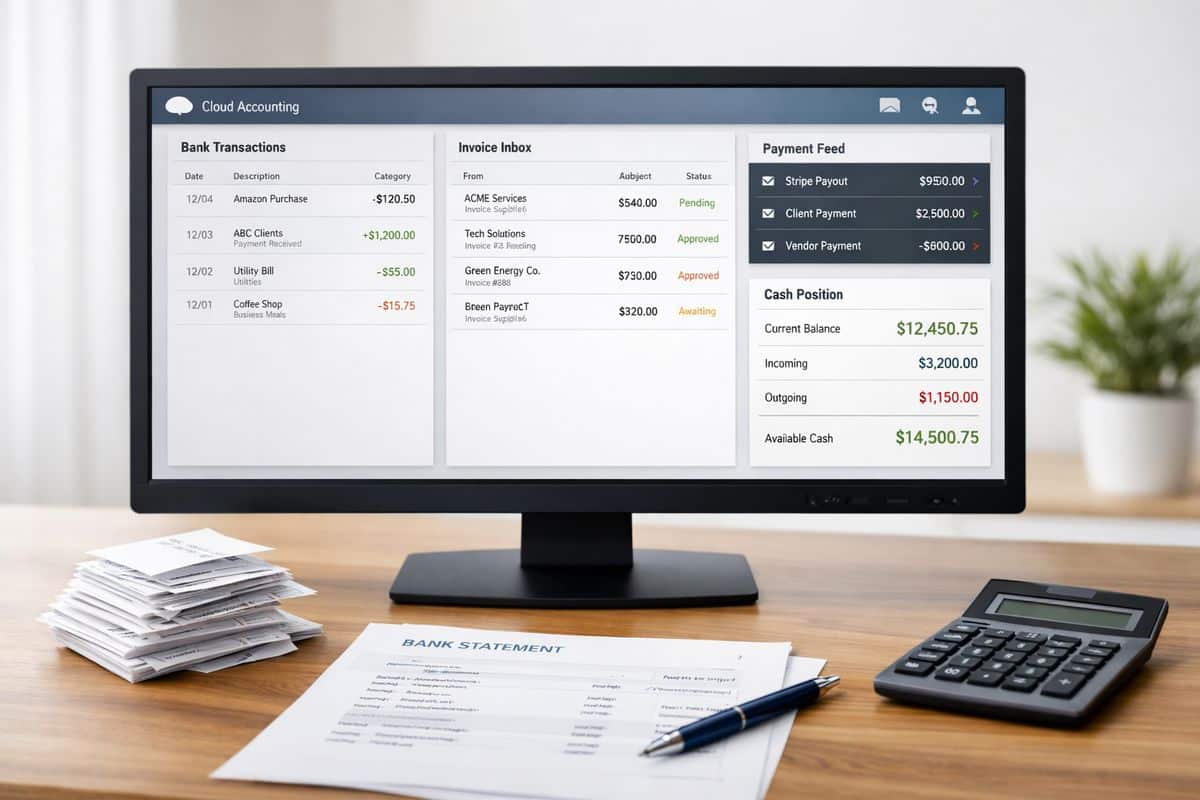
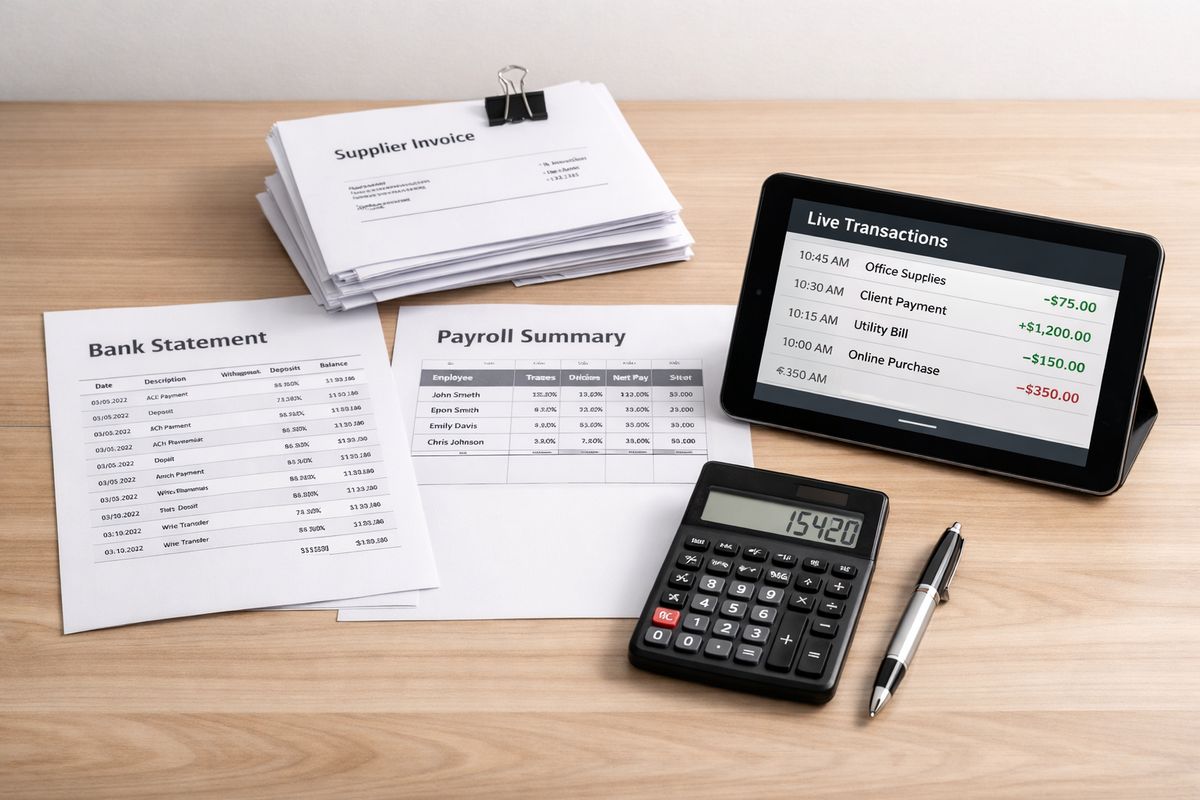
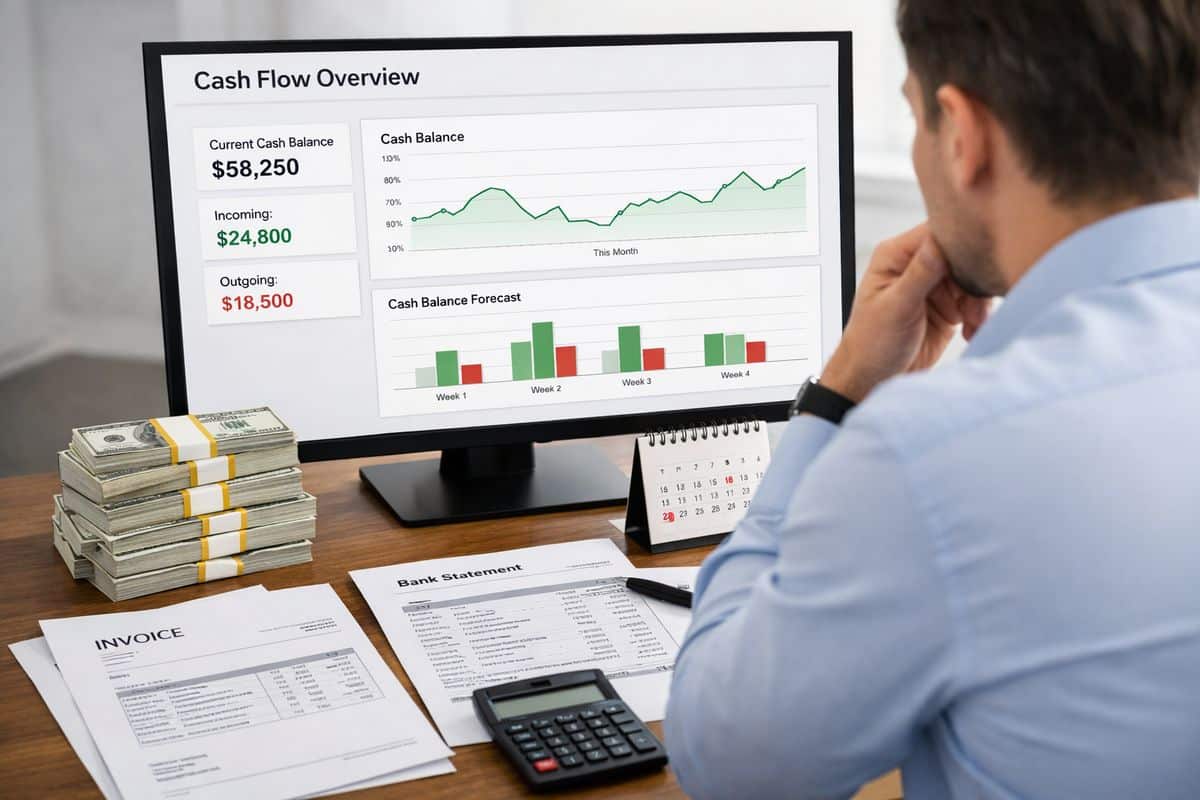
Real-time accounting means your financial position stays current enough to support live decisions, not just month-end review. Your bank data feeds in automatically, invoices and bills update the ledger quickly, core apps connect to your accounting platform, and reporting reflects what is happening now rather than what happened several weeks ago.
That does not mean every number changes every second or that your finance team watches a dashboard all day. It means your accounting system is designed as a connected business control layer. Revenue, costs, payables, receivables, margins, and operating KPIs move together, so you can see performance while there is still time to act.
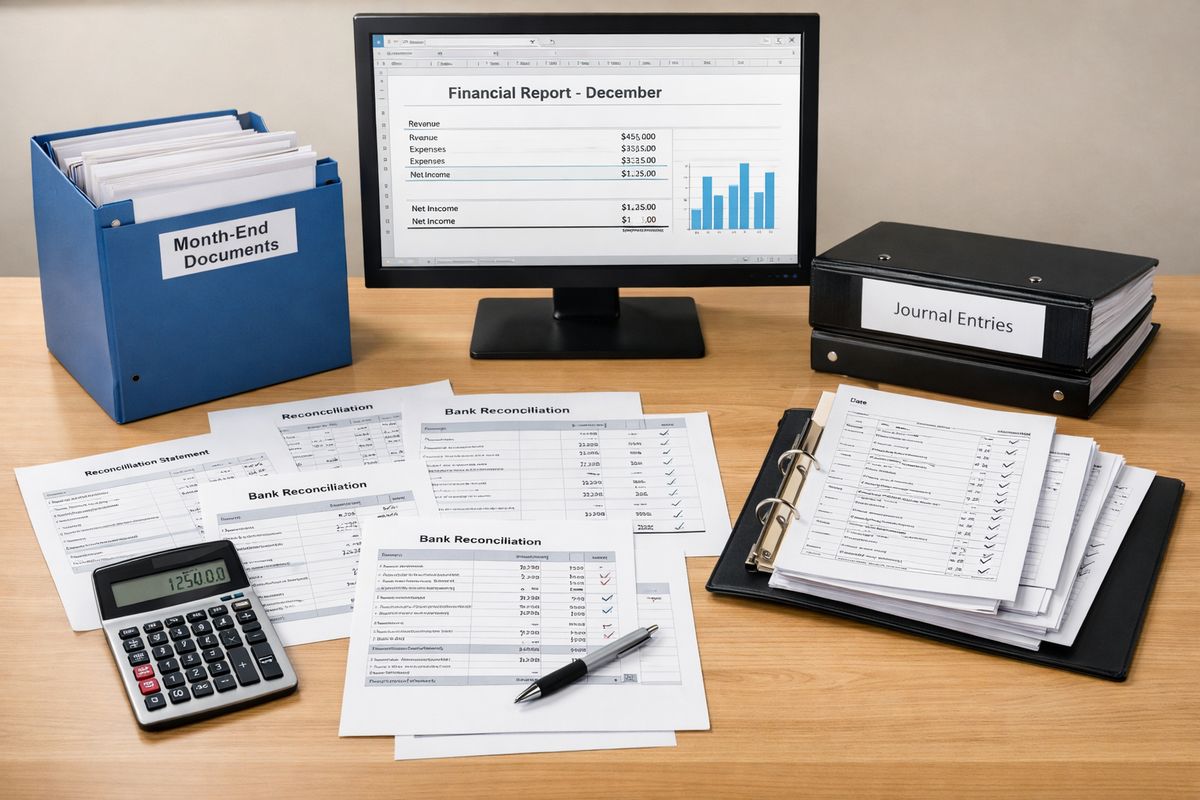
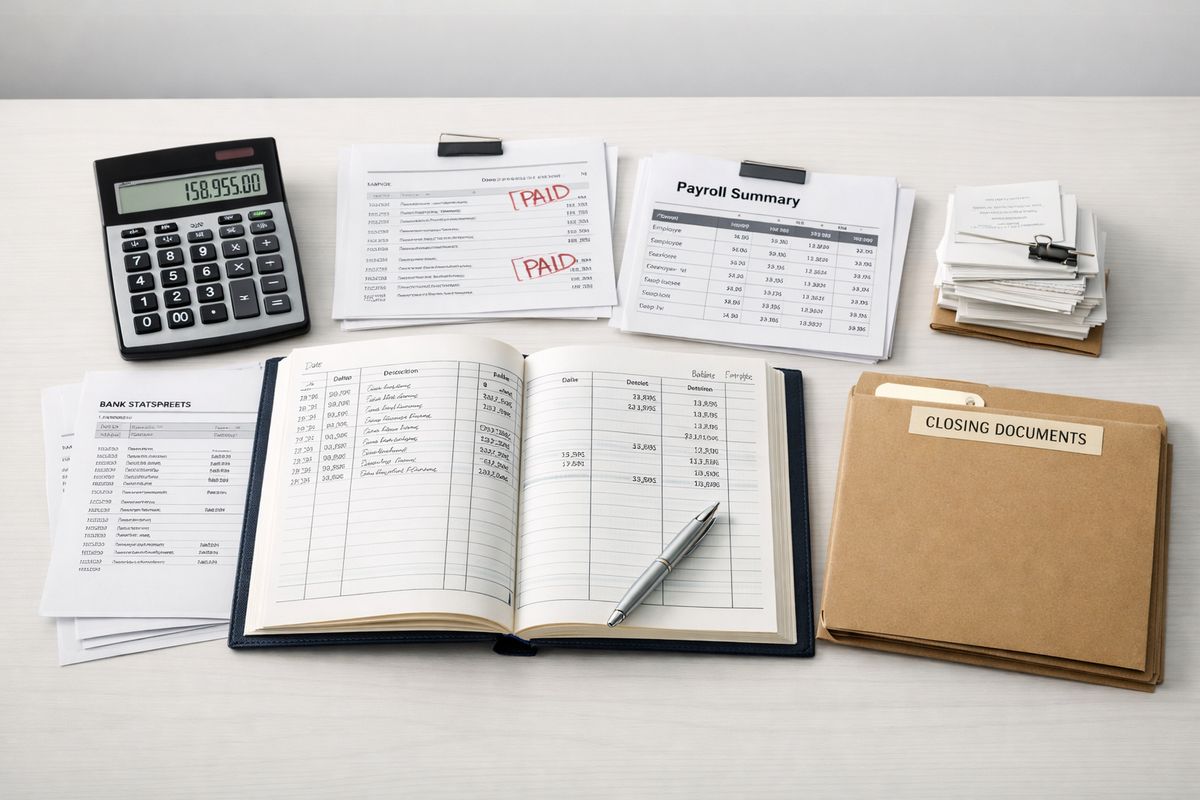
Traditional accounting is built around periodic reporting. Transactions are posted late, reconciliations happen in batches, and management packs arrive after the commercial moment has passed. Real-time accounting flips that model. It treats finance as a live operating system for the business.
Real-Time Accounting vs Traditional Reporting Cycles
The difference is not technical jargon. It is practical.
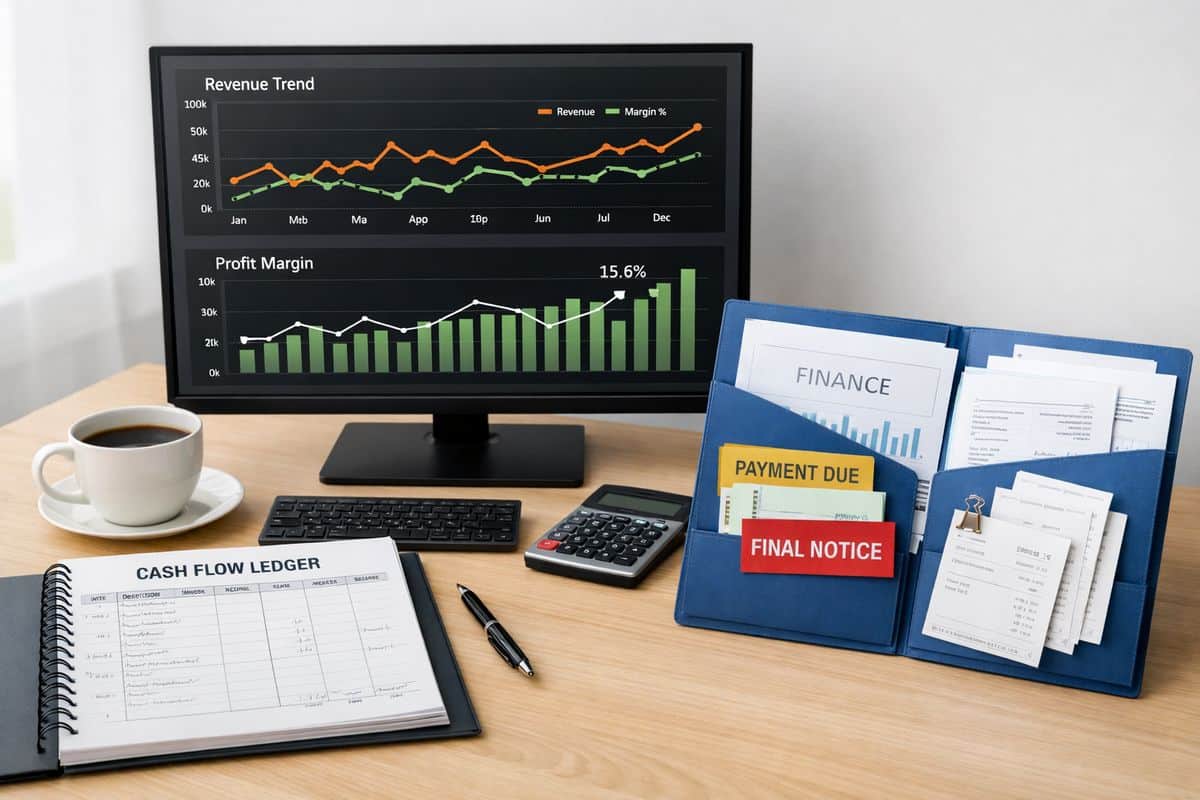
With traditional reporting cycles, you wait for the month to close before you understand cash pressure, margin slippage, stock issues, or project overruns. By the time your numbers are ready, the problem is old news. You are managing by hindsight.
With live financial visibility, you see movement as it happens. If supplier costs rise, debtor days stretch, or a location underperforms, you spot it early. That changes the quality of your decisions. Pricing, purchasing, staffing, and working capital management stop relying on guesswork.
If your current process still revolves around delayed reconciliations and static reports, it is worth understanding why month-end finance slows decisions. The issue is not reporting frequency alone. The issue is lost response time.
When Real-Time Accounting Becomes a Business Need
Not every business needs the same level of immediacy. A very small, stable operation with simple transactions and predictable cash flow can survive with lighter reporting. But once your business grows, adds complexity, or operates on tighter margins, real-time accounting stops being a nice extra and becomes infrastructure.
The real test is simple: how often do you need to make financial decisions that affect operations? If the answer is daily or weekly, delayed accounting is already too slow. If cash flow is tight, transaction volume is rising, or multiple teams depend on accurate numbers, live reporting becomes a business requirement.
Growth creates pressure. Complexity exposes weak systems. Lower margin for error makes delay expensive.
Signs Your Finance Function Is Too Slow
You do not need a formal audit to spot the warning signs. Your business already tells you.
Cash flow surprises are one of the clearest signals. If your bank balance is the main way you judge financial health, your visibility is too shallow. If you regularly discover overdue receivables, unplanned supplier pressure, or VAT liabilities late, your finance function is lagging behind the business.
Delayed management reports are another red flag. If key numbers arrive two or three weeks after month-end, your team is making decisions without current information. That weakens forecasting, performance management, and accountability.
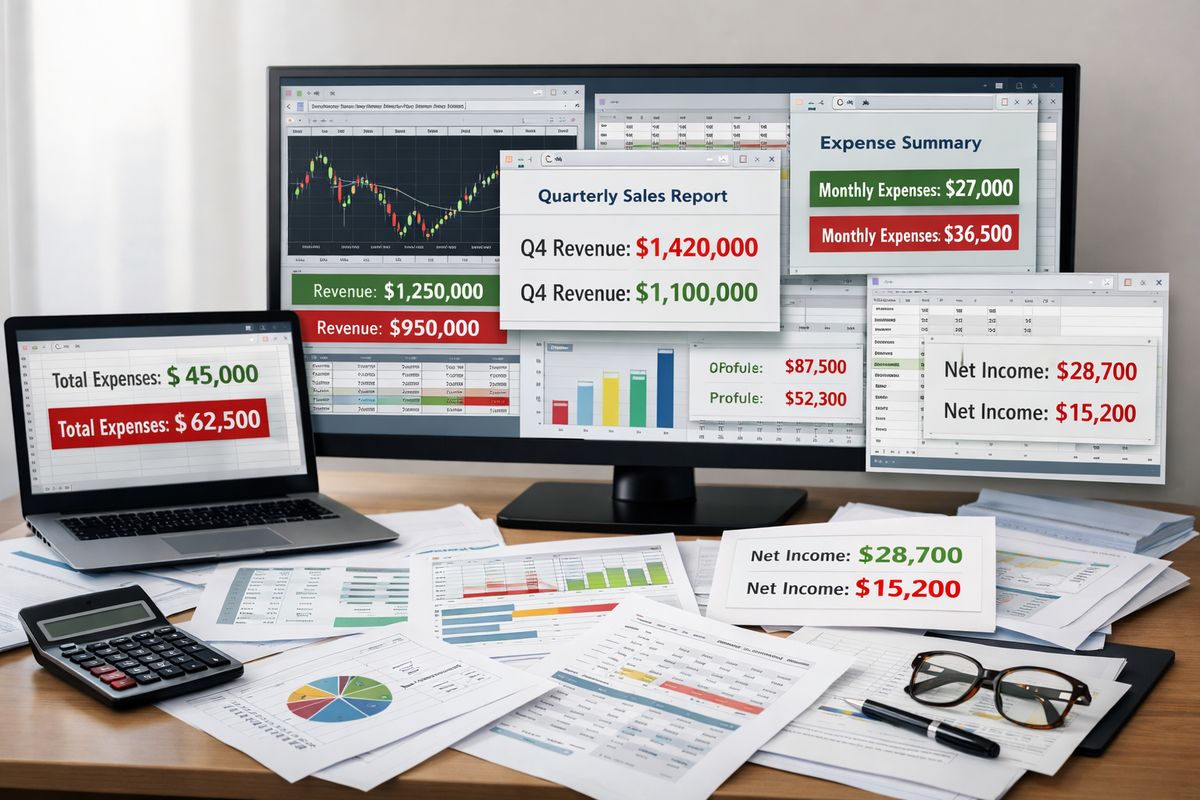
Disconnected systems create the same drag. Sales sit in one platform, expenses in another, payroll somewhere else, and reporting depends on spreadsheets stitched together manually. The result is delay, inconsistency, and too much room for error. A stronger setup starts with connected finance workflows that remove manual lag.
Stock issues, project overruns, and spreadsheet dependency complete the pattern. If inventory levels, job costs, or department spending are hard to track without manual intervention, your accounting process is no longer fit for the pace of the business.
Businesses That Benefit Most from Live Financial Visibility
Some business models gain more from real-time accounting because delay hurts them faster.
Multi-entity businesses need a current view across locations, entities, or divisions. Without that, group performance is blurred and management becomes reactive. Ecommerce and retail businesses need tight control over stock, payments, returns, and margins. Waiting until month-end to see product profitability is simply too late.
Project-based firms such as construction, agencies, and specialist service businesses also benefit heavily. Revenue recognition, supplier obligations, labour costs, and budget tracking all move during delivery, not after it. If those numbers sit in separate files until the end of the month, overruns are discovered after profit has already leaked away.
Fast-scaling businesses and companies with high transaction volume face a different problem: finance bottlenecks. More sales, more invoices, and more data are not signs of health if the reporting model cannot keep up. At that point, speed in operations demands speed in finance.
The Business Benefits of Real-Time Accounting
The value of real-time accounting is not better-looking reports. The value is tighter commercial control.
When your data stays current, you can manage liquidity, monitor margins, track KPIs, and respond to change without delay. That improves decision quality across the business, not just inside finance. Sales, operations, procurement, and leadership all benefit when the numbers are current and connected.
There is also a discipline effect. Real-time systems expose inefficiency quickly. That matters because hidden waste often survives inside delayed reporting.
Stronger Cash Flow, Forecasting, and Working Capital Control
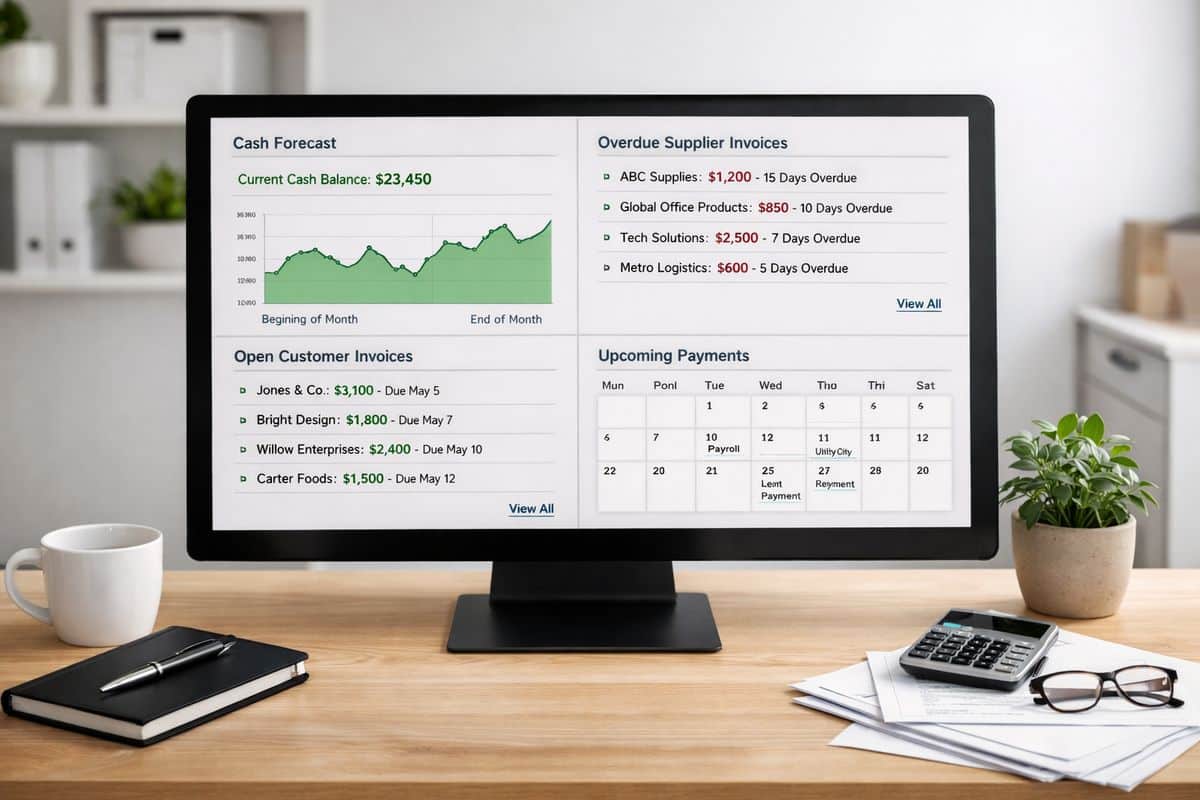
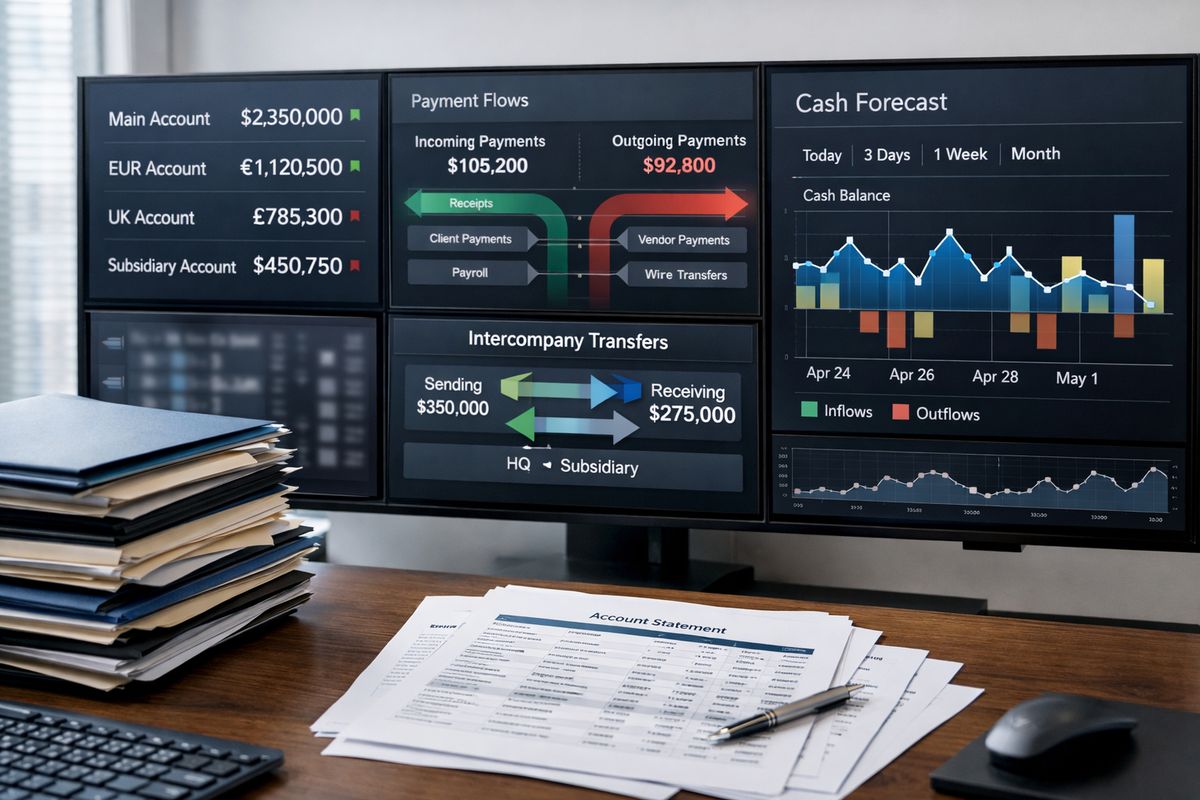
Cash flow control improves first. You see outstanding receivables earlier, spot payable pressure sooner, and track short-term liquidity with more confidence. Instead of waiting for month-end reports, you manage working capital continuously.
That has direct operational value. You can time supplier payments more intelligently, chase debtors before problems escalate, and make funding decisions based on actual movement rather than rough estimates. For any business that feels profitable on paper but tight in the bank, this gap matters a lot. Stronger visibility into cash movement and obligations usually delivers value faster than almost any other finance improvement.
Forecasting also improves because your starting point is cleaner. A forecast built on stale data is just a nicer spreadsheet. A forecast built on current revenue trends, current costs, and current cash positions becomes a management tool.
Better Decisions Through Live Dashboards and KPIs
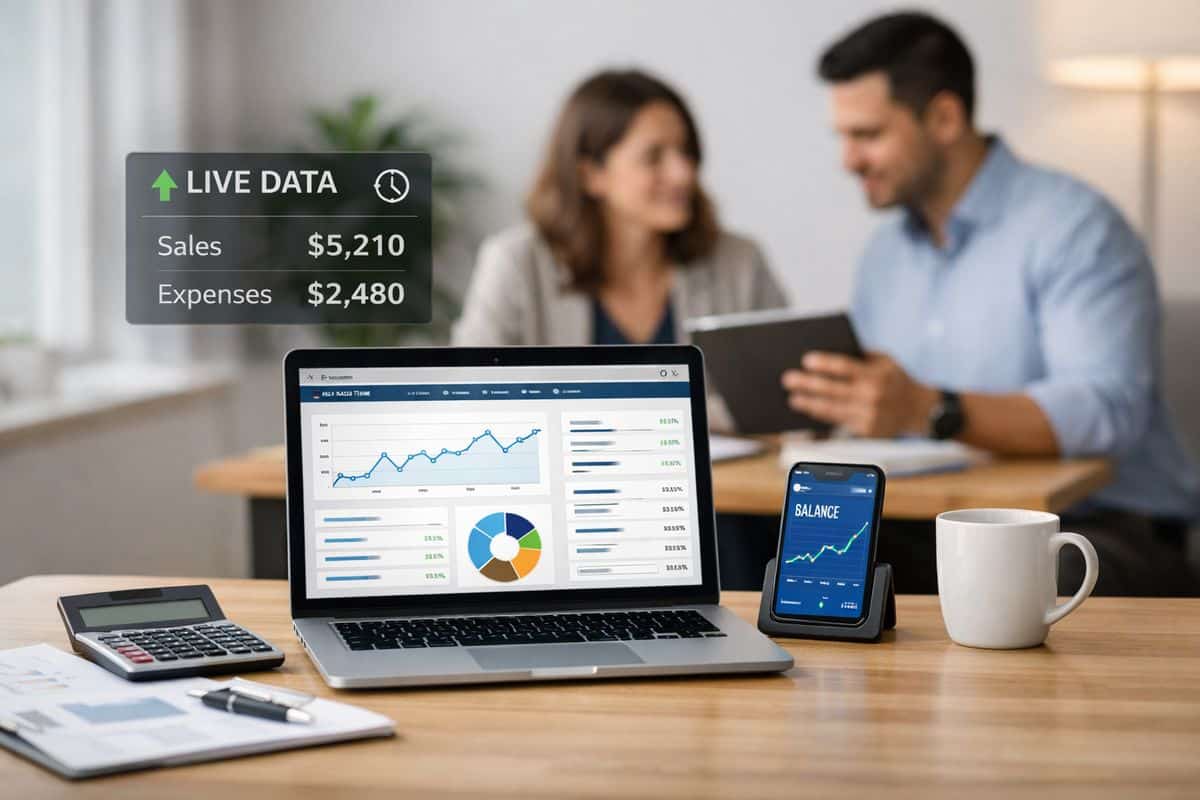
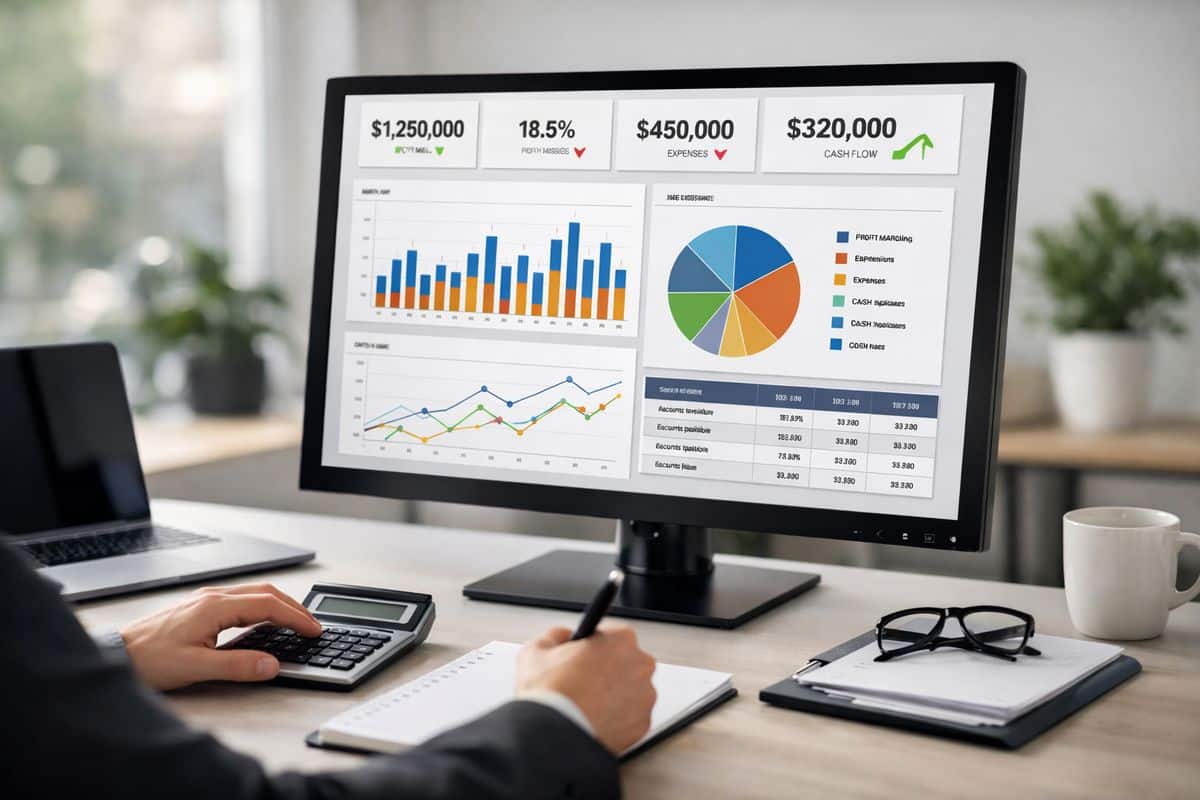
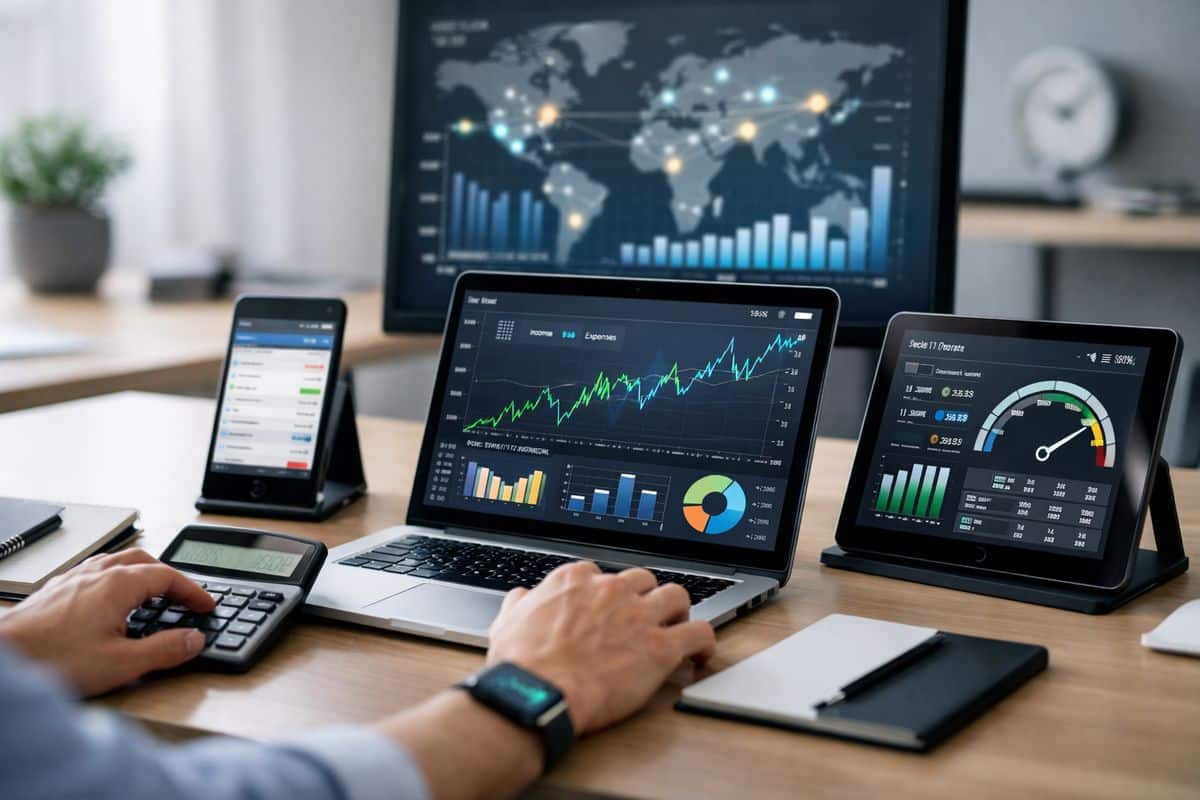
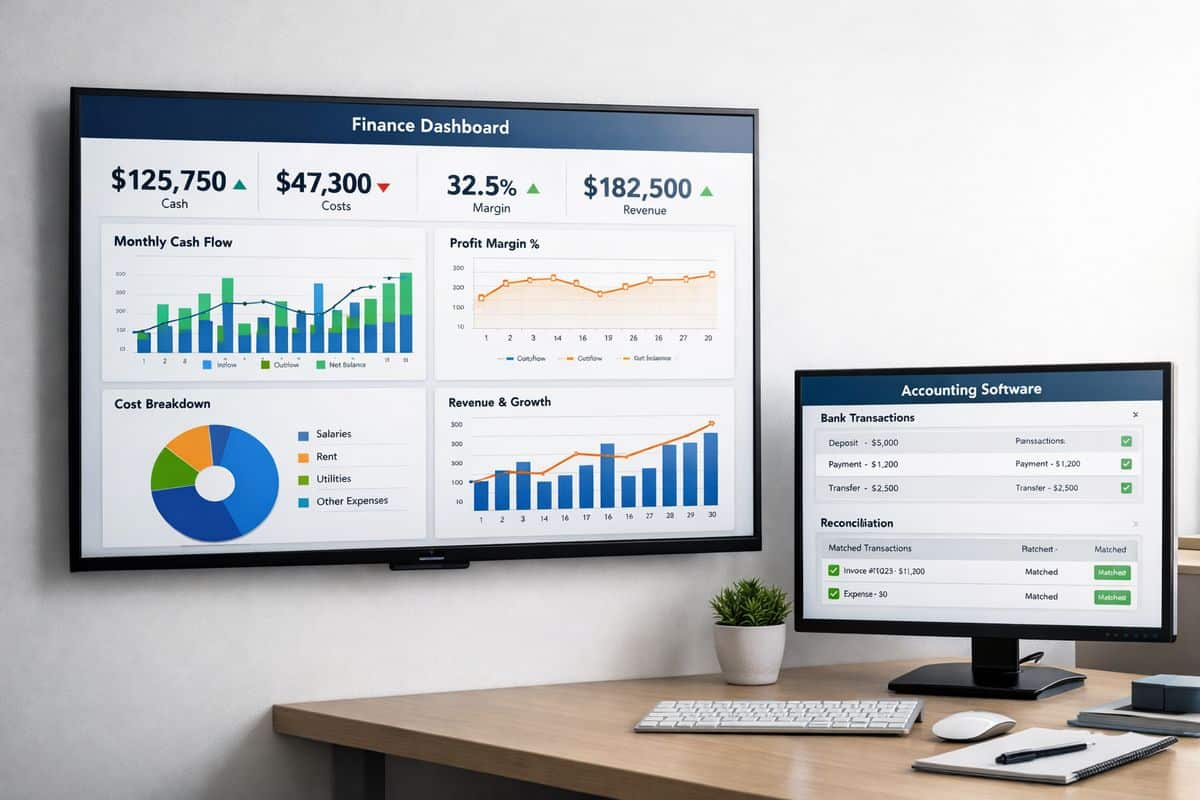
Live dashboards matter because they turn accounting data into operating signals. You stop using reports as historical documents and start using them to steer the business.
That changes day-to-day decisions. You can review pricing against current margin pressure, assess hiring against live revenue capacity, track project performance before delivery ends, and monitor purchasing against actual cash conditions. In a multi-site business, you can compare location performance quickly and act where results are slipping.
The key is relevance. Dashboards should focus on the numbers that drive action, not vanity metrics. Margin by project, debtor days, stock turn, gross profit by location, labour cost ratio, and cash runway are useful because they support decisions. If your reporting is full of figures that nobody uses, you have reporting activity, not management insight. A better structure starts with tracking the financial indicators that actually drive action.
What Real-Time Accounting Requires to Work Properly
Here is the catch: software alone does not create real-time accounting. Buying a cloud platform without fixing process design gives you faster access to bad data.
For real-time accounting to work properly, you need connected systems, clear ownership, disciplined processes, and a finance partner that understands operations as well as accounting. That is why businesses working with Prodyssey Solutions do not just buy software setup. You need a structure that connects finance, technology, and day-to-day execution.
Connected Systems and Automation
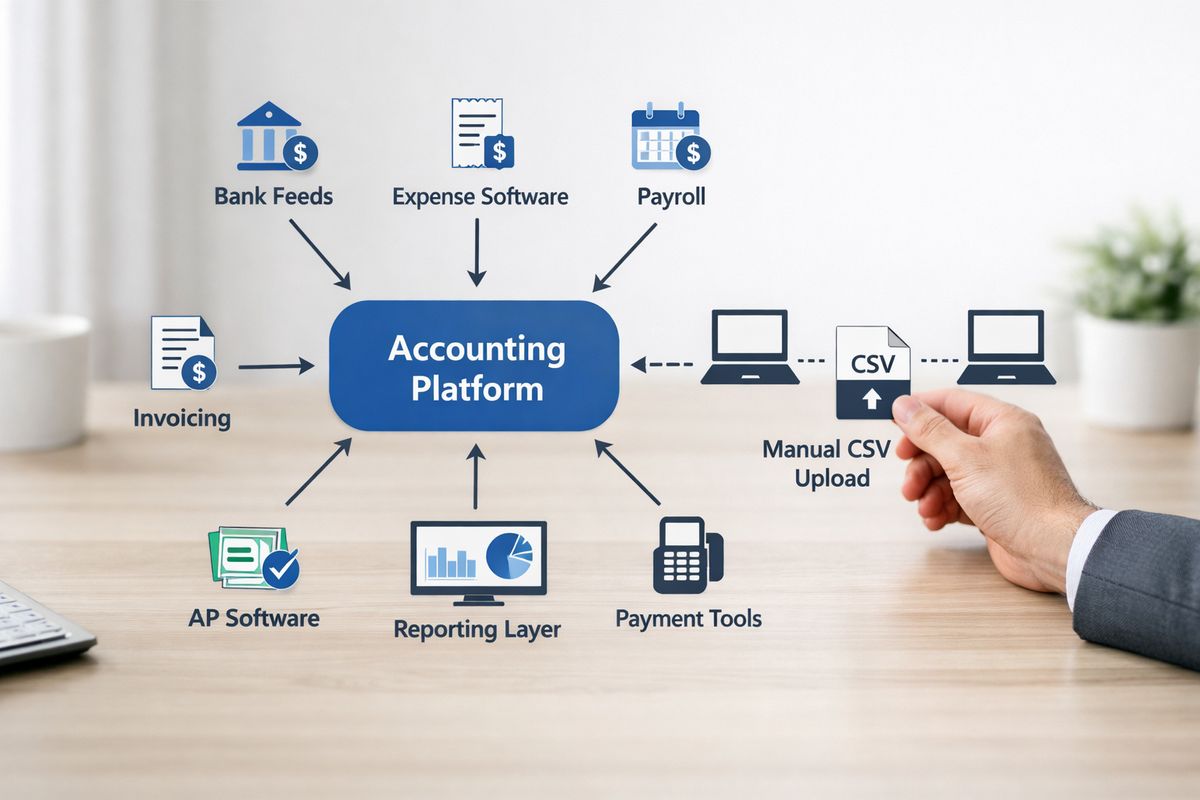
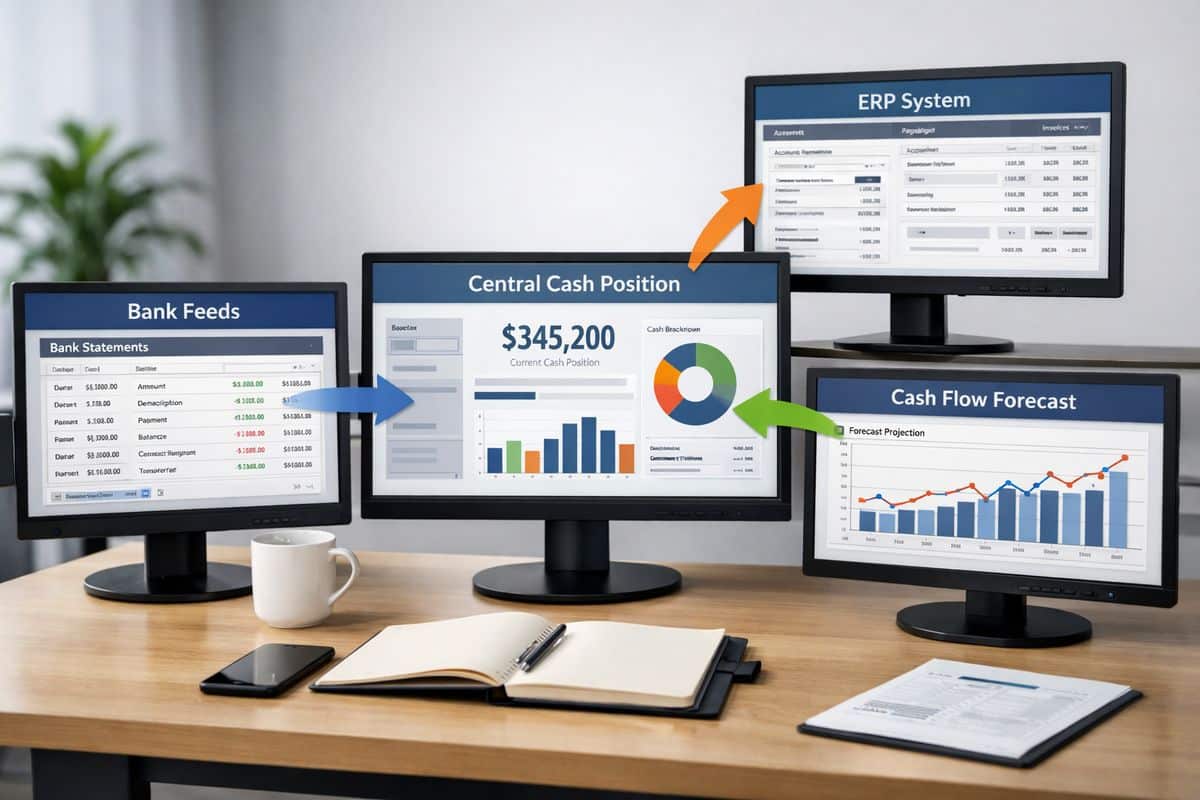
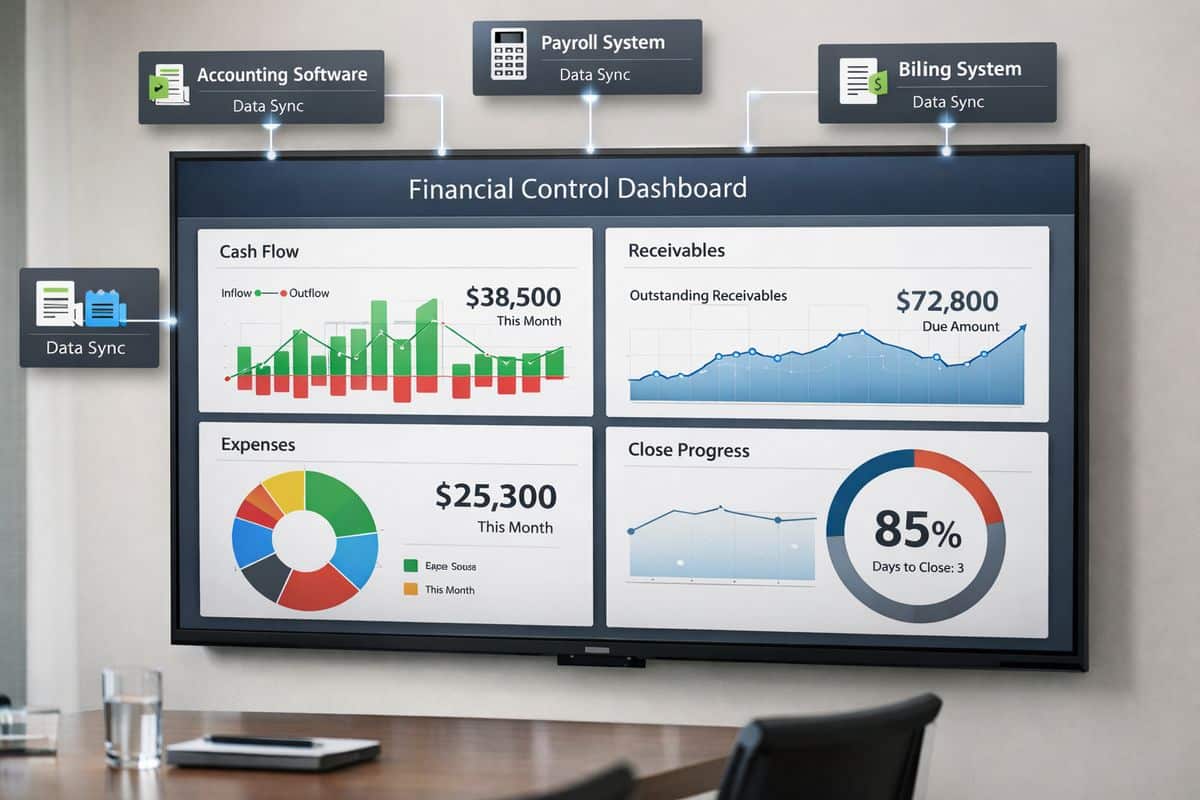
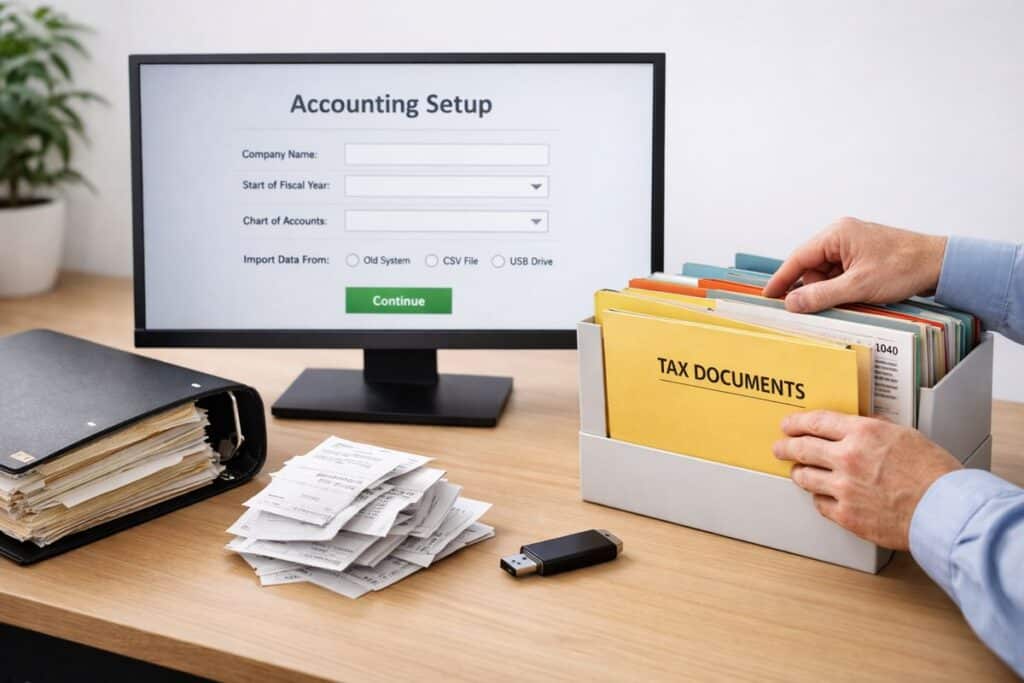
Your accounting platform should sit at the centre of a connected stack. Bank feeds, expense tools, payroll, inventory systems, CRM data, payment platforms, and reporting layers all need to feed the same financial picture. The goal is simple: reduce manual rekeying, remove lag, and improve consistency.
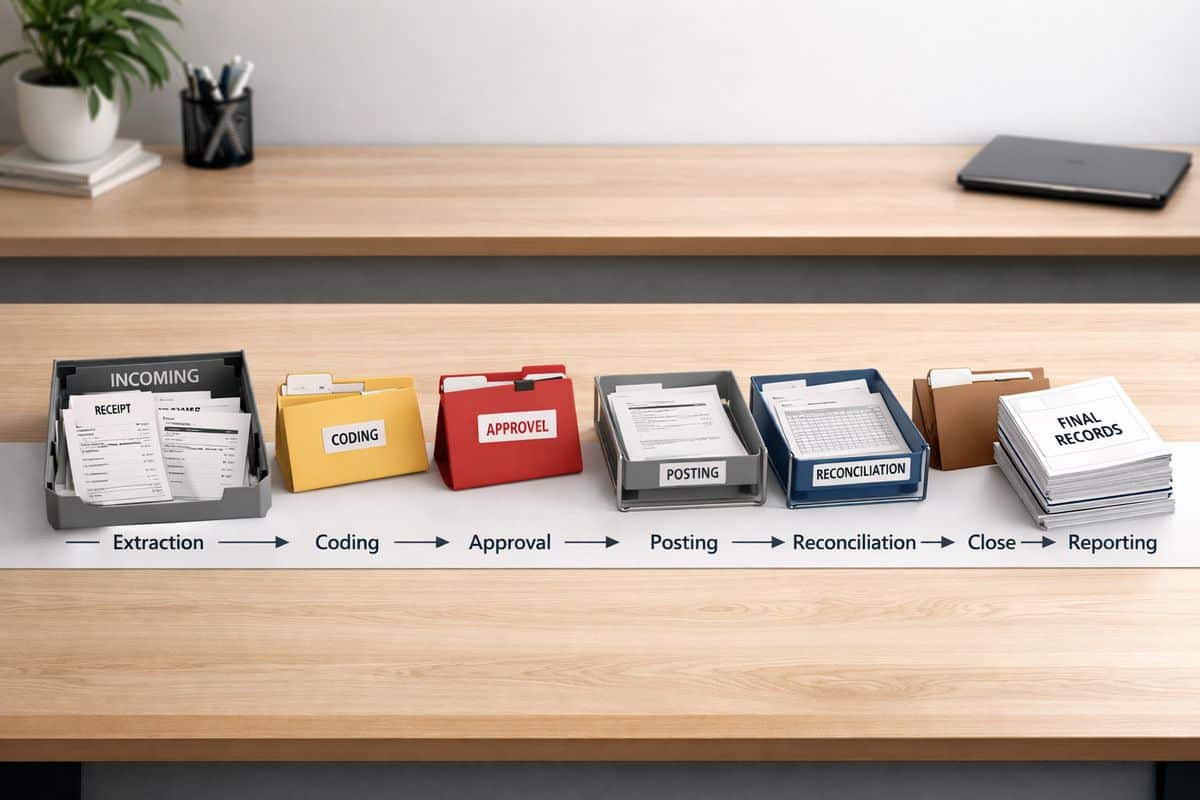
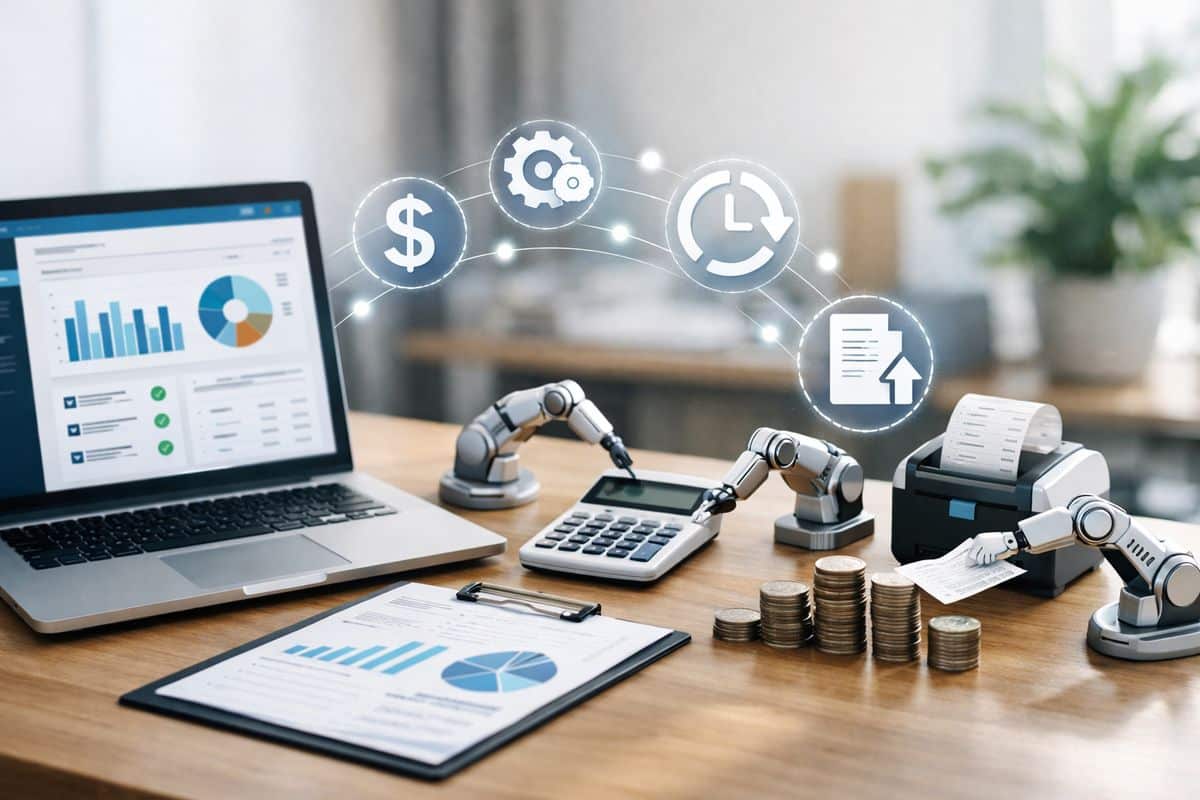
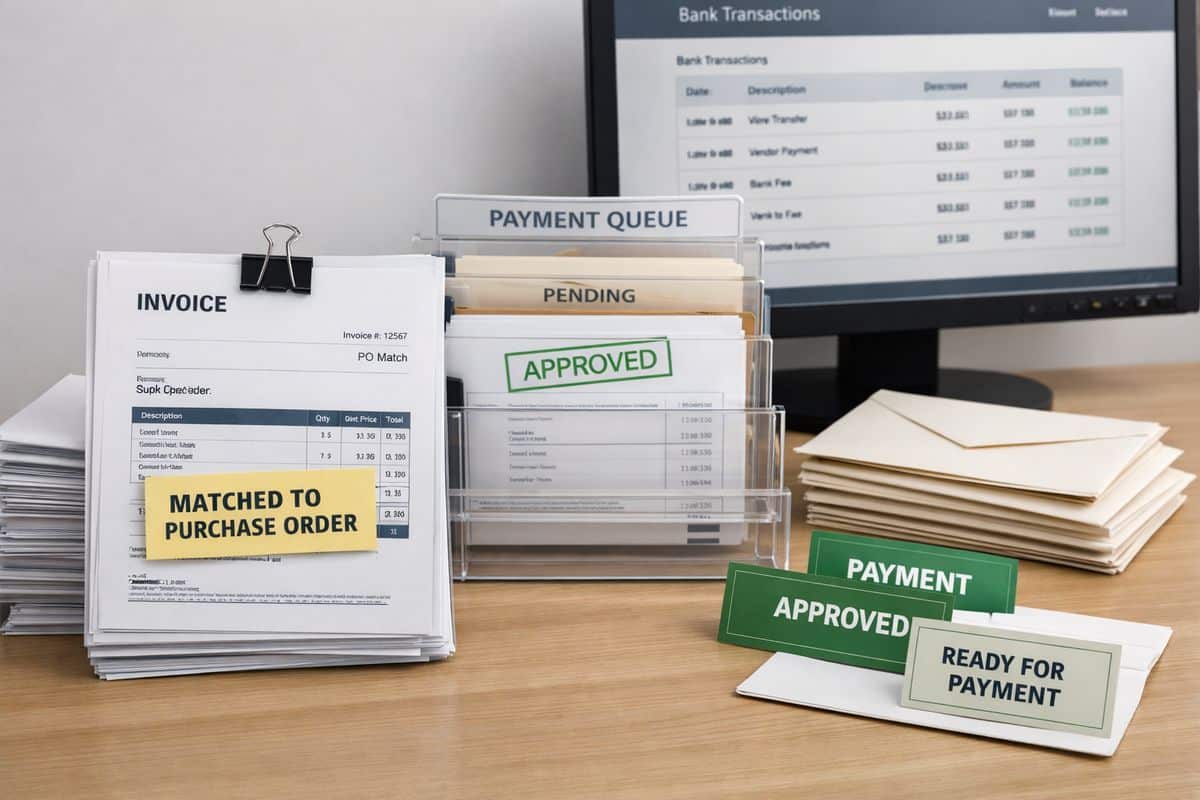
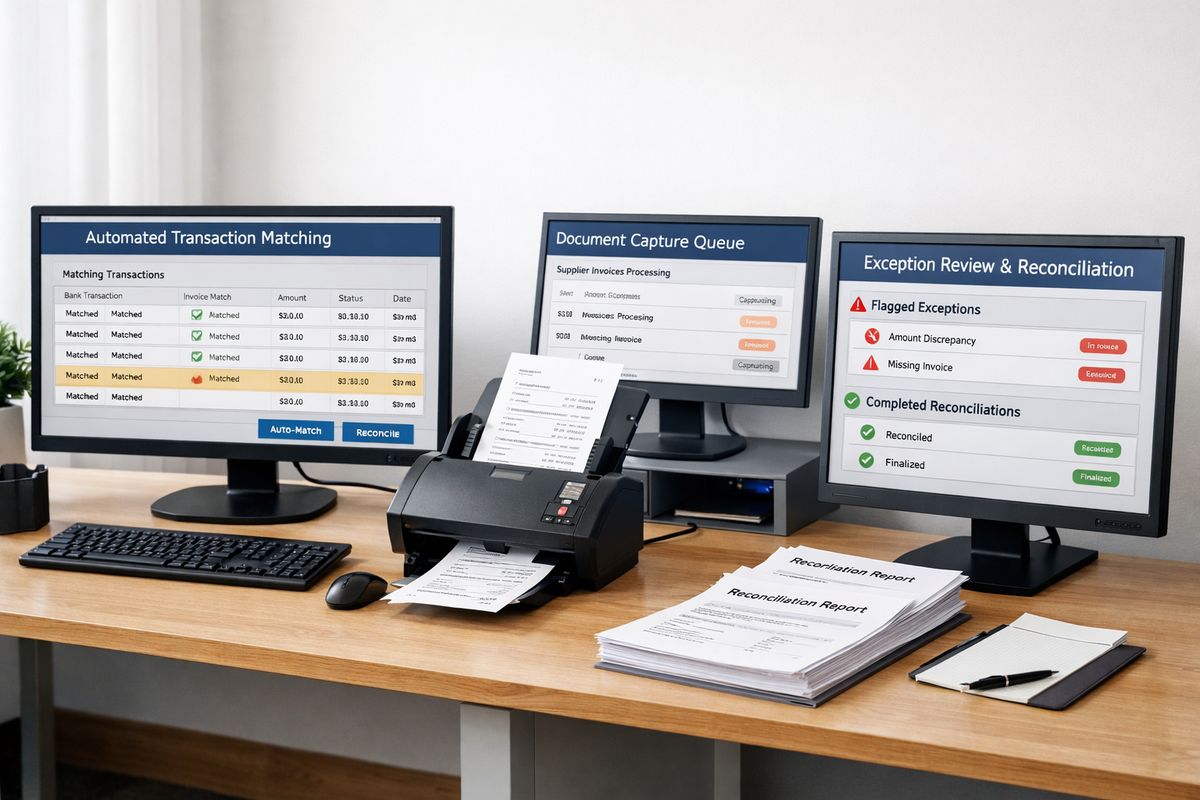
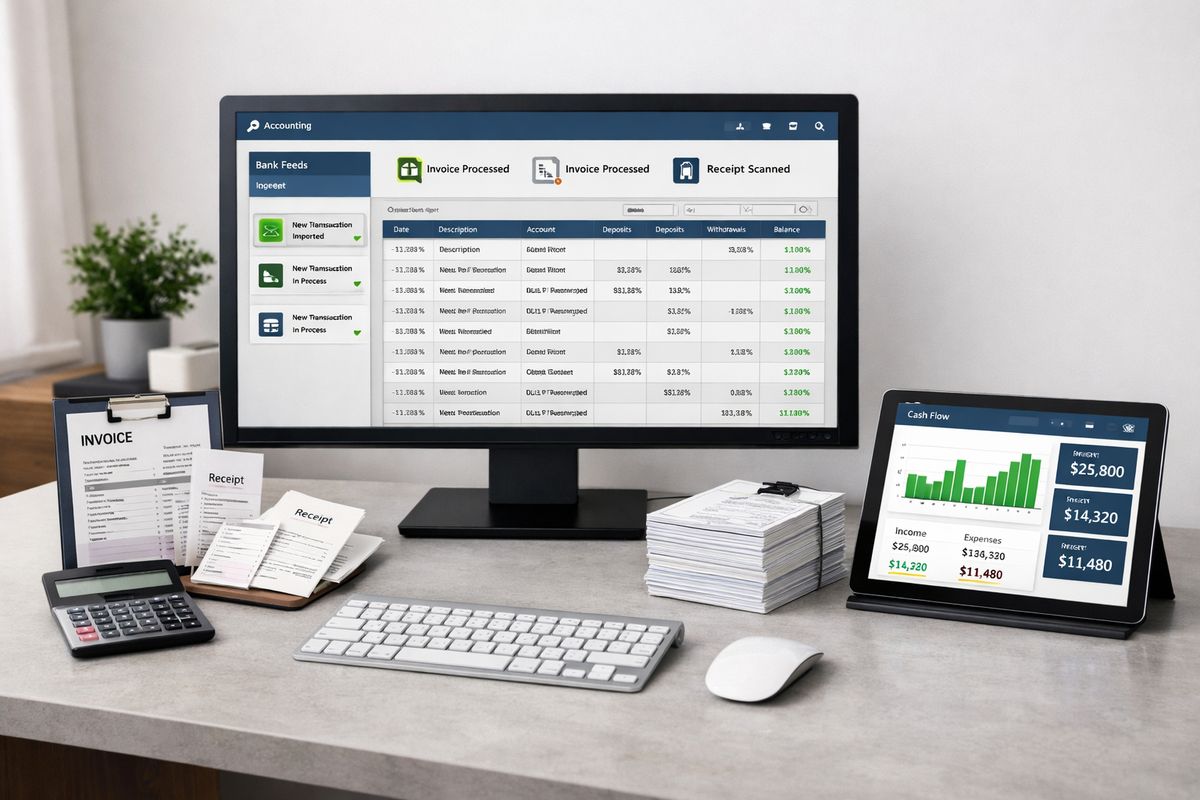
Automation plays a major role here. Bills can be captured and routed for approval faster. Bank transactions can be categorised consistently. Sales data can flow in automatically. Routine reconciliations become easier and more reliable. That saves time, but more importantly, it improves timeliness and trust in the data.
This is where many businesses go wrong. Tools get added one by one without proper design. The stack becomes busy, but not connected. Real-time accounting depends on system architecture, not just app count.
Clean Processes, Controls, and Finance Ownership
Speed is useless if your numbers are wrong. That is why process discipline matters as much as technology.
You need consistent coding rules, clear approval workflows, regular reconciliations, reporting calendars, and named ownership for each part of the finance cycle. If expenses are coded randomly, invoices sit unapproved, or bank items remain unreconciled, your dashboards lose credibility fast.
Finance ownership also matters at leadership level. Somebody must decide what gets tracked, what good performance looks like, and how quickly issues are escalated. Real-time accounting is not a passive reporting service. It is an operating model.
How to Decide Whether Real-Time Accounting Is Worth the Investment
The decision comes down to business value, not trend-following. If you run a simple operation, have stable cash flow, low transaction volume, and few moving parts, a lighter setup may be enough. But if management depends on current numbers to protect margin, cash, or operational performance, real-time accounting earns its place.
Assess four things: how delayed your reporting is now, how complex your operation has become, how frequently leadership needs current data, and how expensive poor visibility has become. If reporting delay leads to missed margin issues, cash pressure, slow response, or wasted management time, the business case is already there.
Cost vs Value: Where the ROI Shows Up
The costs are straightforward. You pay for software, implementation, integration, and either outsourced or in-house finance support. But that is the wrong place to stop the analysis.
The return shows up in time saved, fewer manual errors, faster month-end close, better margin control, stronger collections, better use of working capital, and faster management decisions. In many businesses, one avoided cash crunch, one corrected pricing issue, or one earlier response to a loss-making project covers a large share of the investment.
If you are comparing options, look beyond subscriptions and ask what you are buying in terms of control. A useful benchmark is understanding what sits behind finance system pricing and support costs. Cheap tools with weak implementation often become the expensive option.
Common Mistakes When Buying Real-Time Accounting Support
The biggest mistake is buying tools before fixing processes. That creates digital clutter instead of better control.
Another common error is overbuilding the stack. Not every business needs a dozen connected apps. You need the right systems, correctly integrated, with clean reporting logic behind them. Incomplete integrations create false confidence, which is worse than delay because it looks accurate while hiding gaps.
A third mistake is buying reports that nobody uses. If dashboards do not support pricing, cash planning, purchasing, project control, or performance review, they become decoration. The best finance setup is not the most advanced. It is the one that gets used consistently by management.
If your current accountant still operates as a historical reporter rather than a live finance partner, that also needs scrutiny. Real-time accounting demands a different capability set, one built around systems, controls, and decision support rather than compliance alone.
Real-time accounting is worth the investment when your business needs live control, not just tidy records. If delayed numbers are slowing decisions, hiding risks, or weakening cash flow management, the answer is yes. At that point, better accounting is no longer about reporting faster. It is about running your business with current information instead of hindsight.