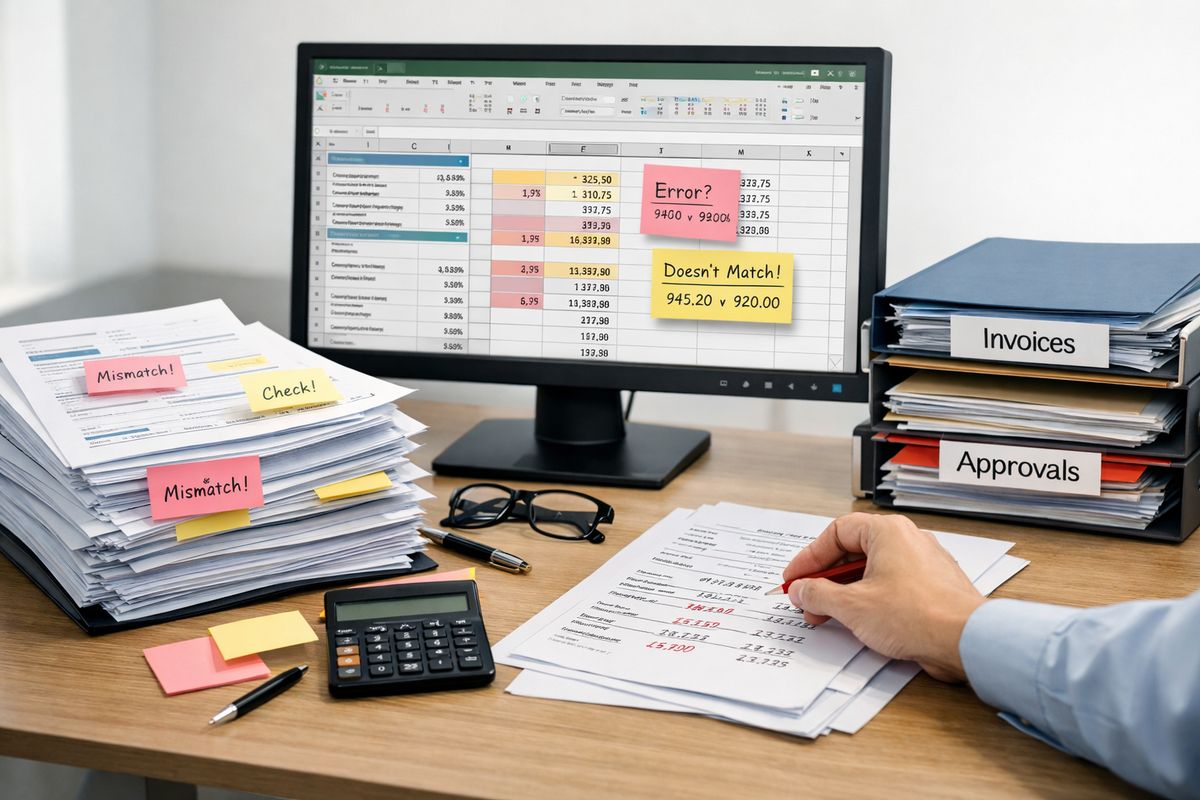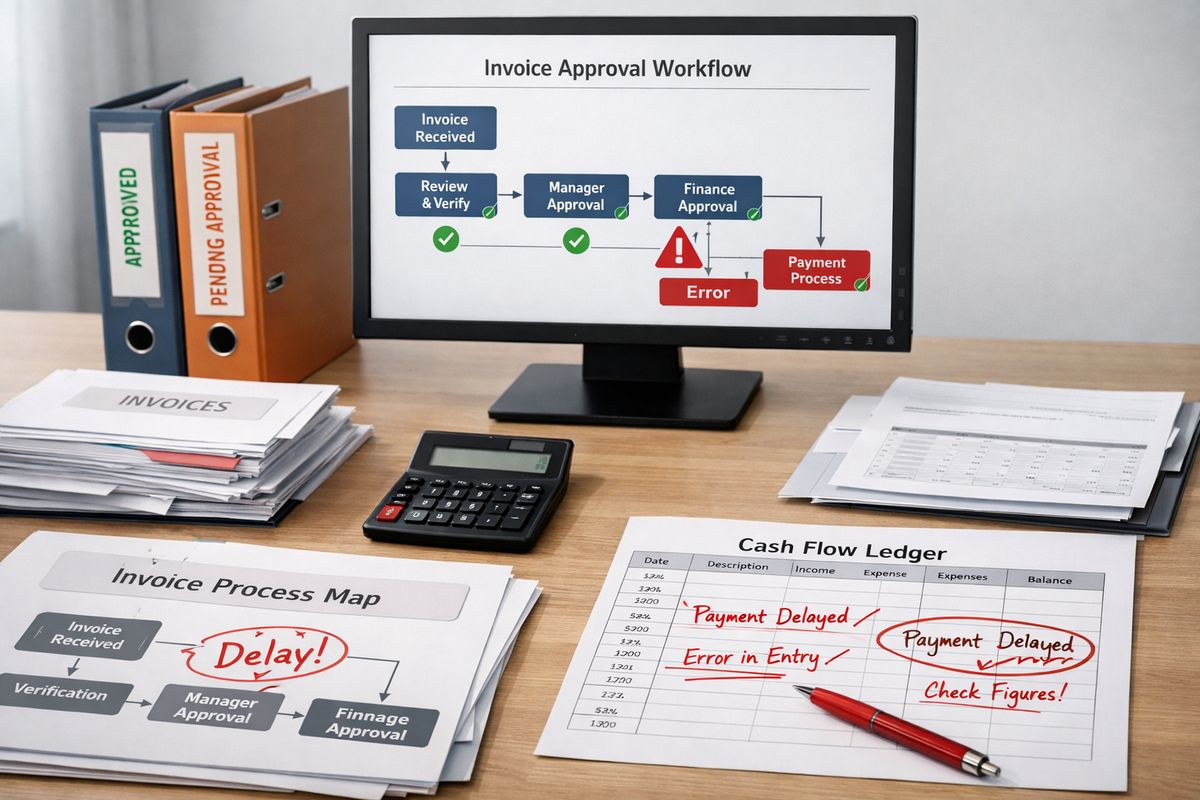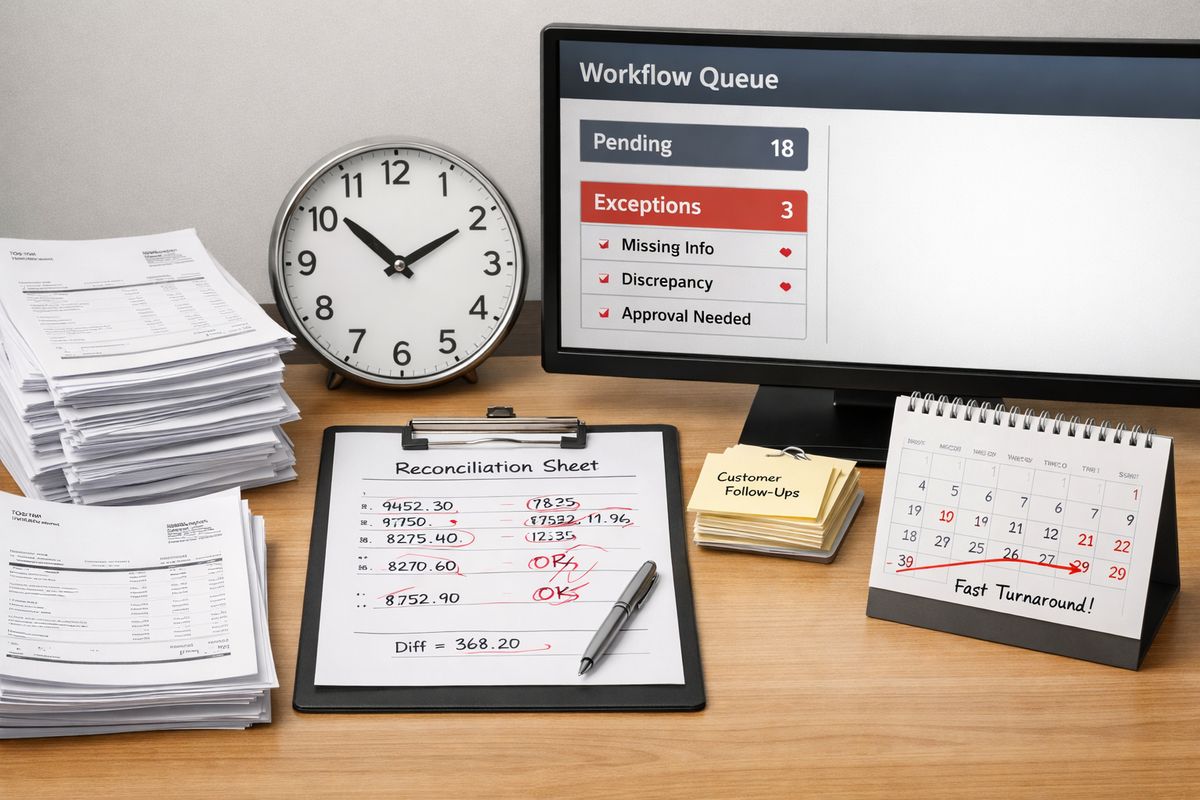
If you want faster decisions, stronger cash flow, and fewer manual bottlenecks, your SME automation priorities need to start with the workflows that absorb time every single day. The fastest wins come from automating high-volume, rules-based work first, then connecting finance and operations so you can control the business in real time.
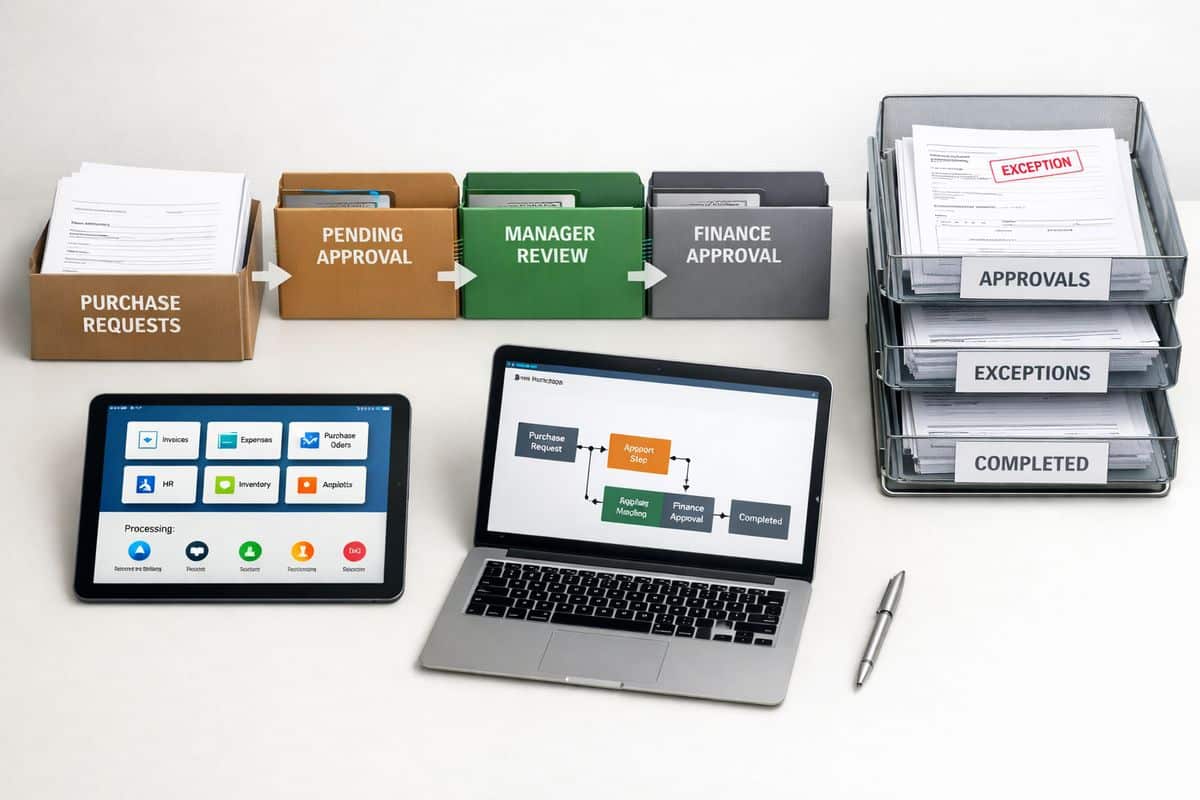
1. Automate Repetitive Admin and Workflow Routing First
Most SMEs lose more time in admin than in strategy. Data entry, approval chasing, internal handovers, reminder emails, and document routing look small in isolation, but together they drain hours every week and create delays nobody sees until work starts piling up.
That is why admin sits at the top of your automation list. It is repetitive, predictable, and usually easy to standardise. Research shows administrative automation is already one of the fastest-growing use cases among small businesses because it frees teams for more valuable work instead of keeping them stuck in coordination mode.
What to automate in this category
Start with scheduling, shared inbox rules, form submissions, approval chains, file handling, and app-to-app triggers. If information arrives in one place and somebody manually rekeys it somewhere else, route it automatically. If a request always follows the same approval path, codify that path.
The goal is simple: remove low-value touchpoints and make work move without chasing.
Why this priority delivers results quickly
Rules-based workflows are low risk and fast to implement. You are not changing your pricing model or restructuring operations. You are removing friction from tasks that already follow a clear pattern.
This is also the cleanest place to begin if you are deciding what to automate first in practice. Quick wins here build confidence, reduce resistance, and create visible time savings before you move into deeper operational change.

2. Connect Accounting and Operations to Remove Double Handling
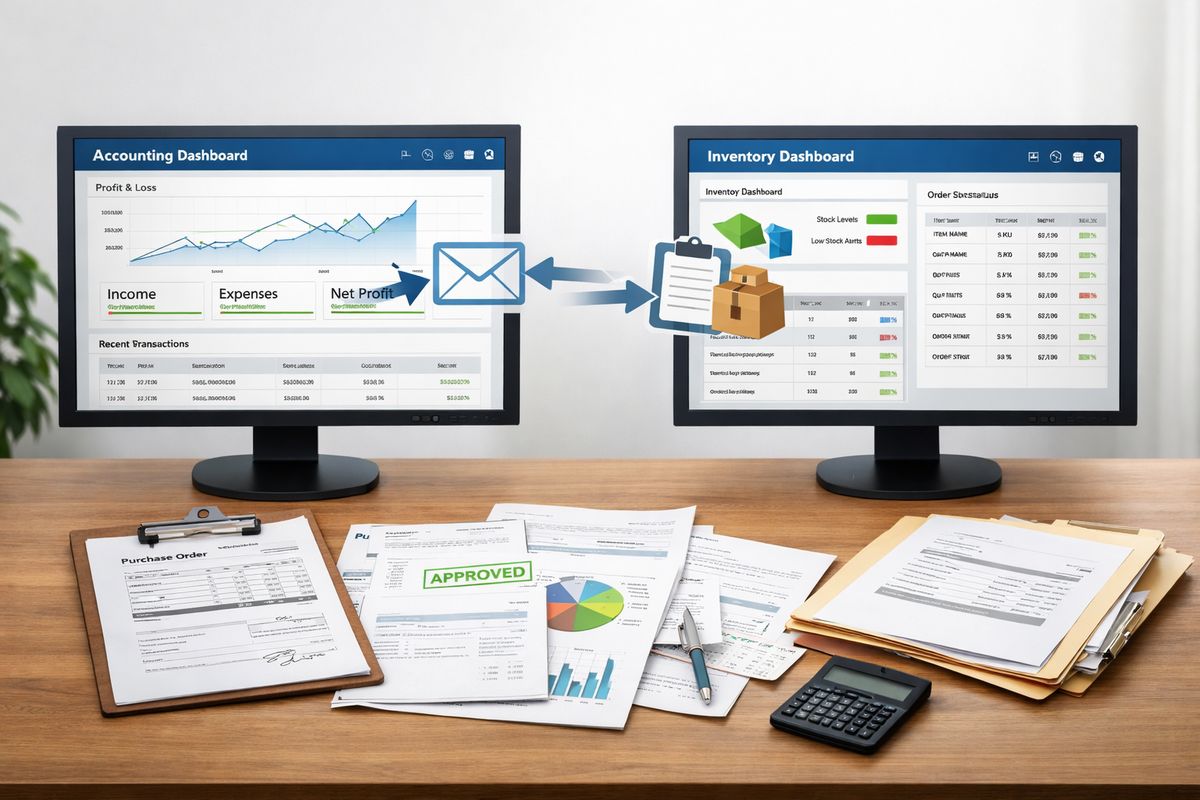
For businesses in Cyprus and Greece, disconnected systems are one of the biggest hidden costs. Jobs sit in one system, stock in another, invoicing in another, and cash collection gets tracked in spreadsheets. The result is familiar: duplicate entry, delayed reporting, and endless debates over which number is right.
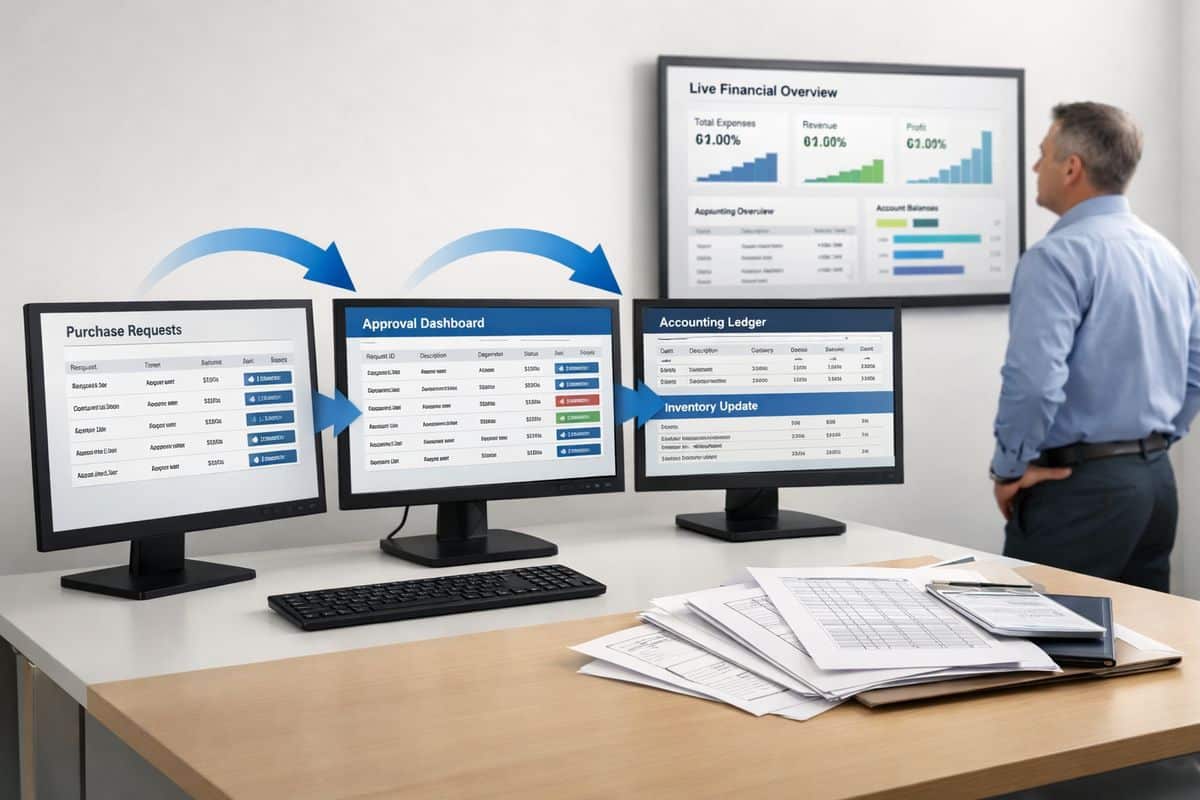
Your second priority is to connect accounting with operations so data moves once and stays consistent. That means linking ERP, accounting, CRM, purchasing, stock, job costing, and invoicing into one flow instead of treating finance and operations as separate worlds.
The core problem to fix
The problem is not just inefficiency. It is loss of control. When finance sees one margin figure and operations sees another, decisions slow down. When reporting depends on spreadsheet bridges, month-end takes longer and forecasting loses accuracy.
A connected structure removes those gaps and gives you one operational truth.
The business outcome you should target
You should expect a faster close, cleaner job costing, tighter margin control, better forecasting, and live visibility into performance. This is where bringing finance and day-to-day operations into one flow changes the quality of your decision-making, not just the speed of your admin.
This is also where platforms built around connected control, such as Prodyssey Solutions, create real value by simplifying approvals, reporting, payables, and visibility across the business rather than adding another disconnected tool.
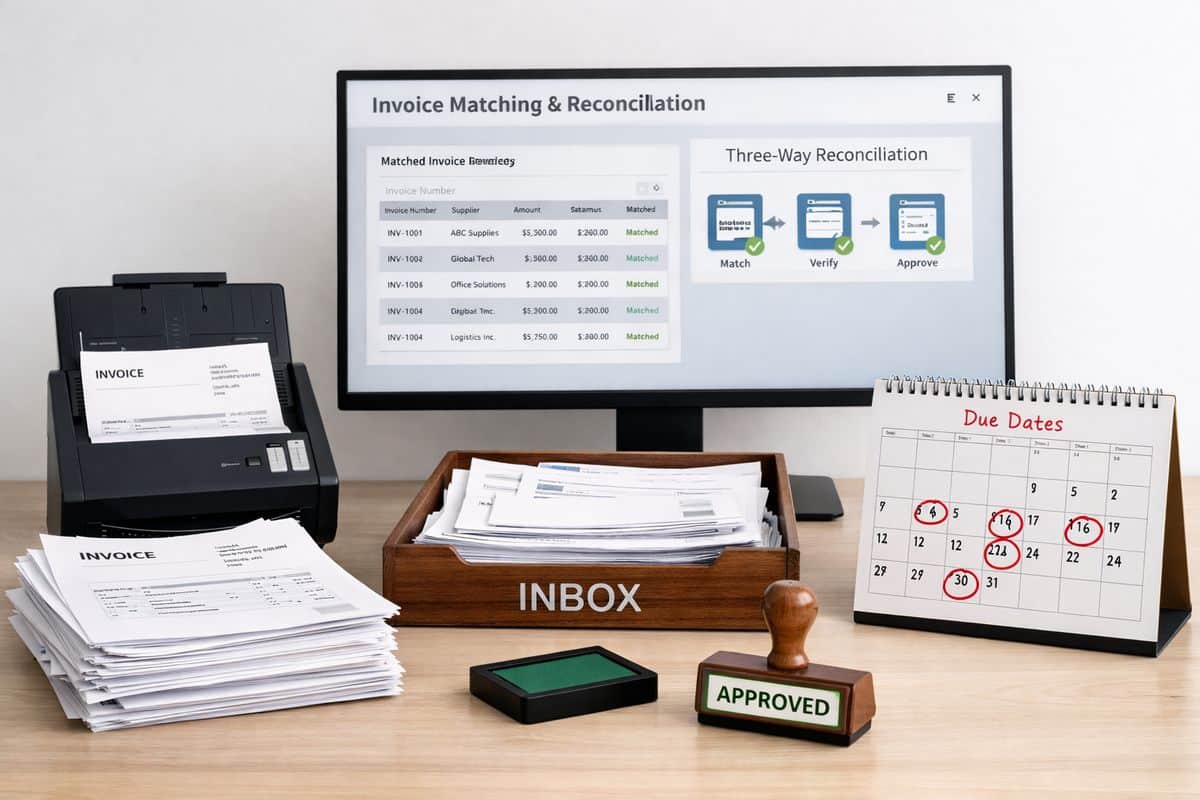
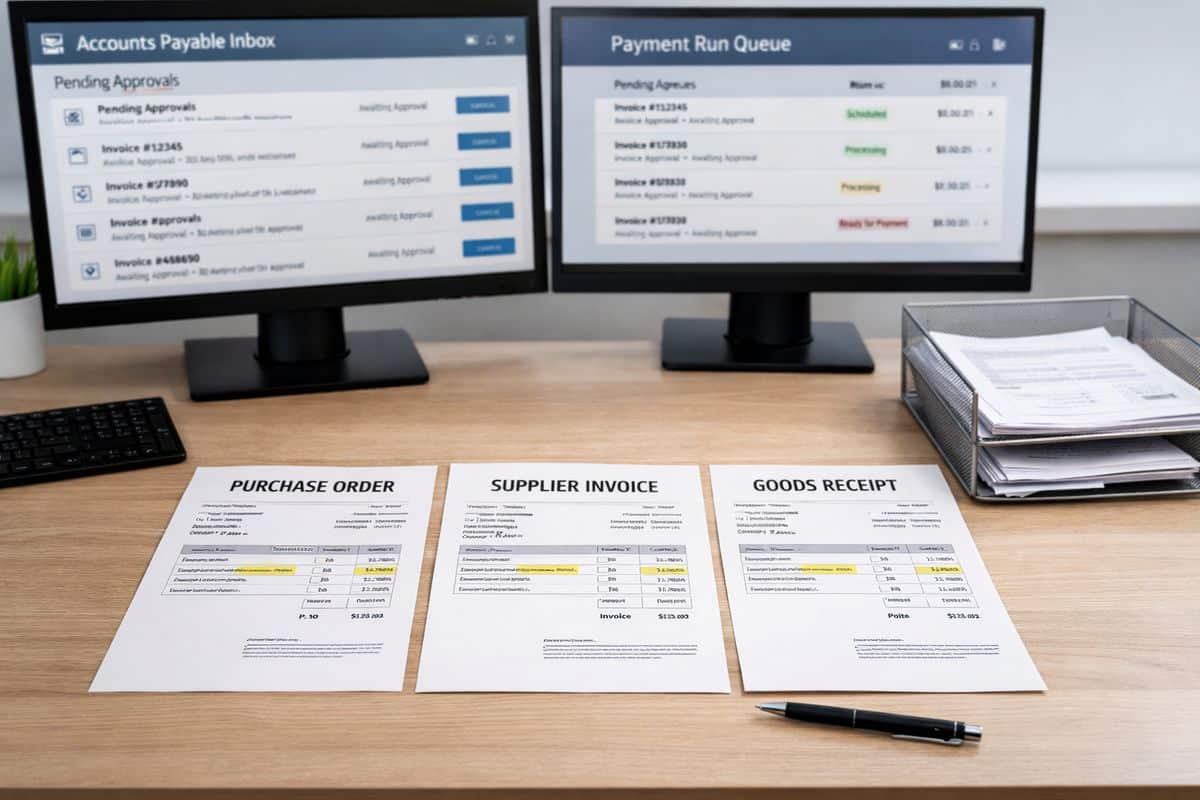
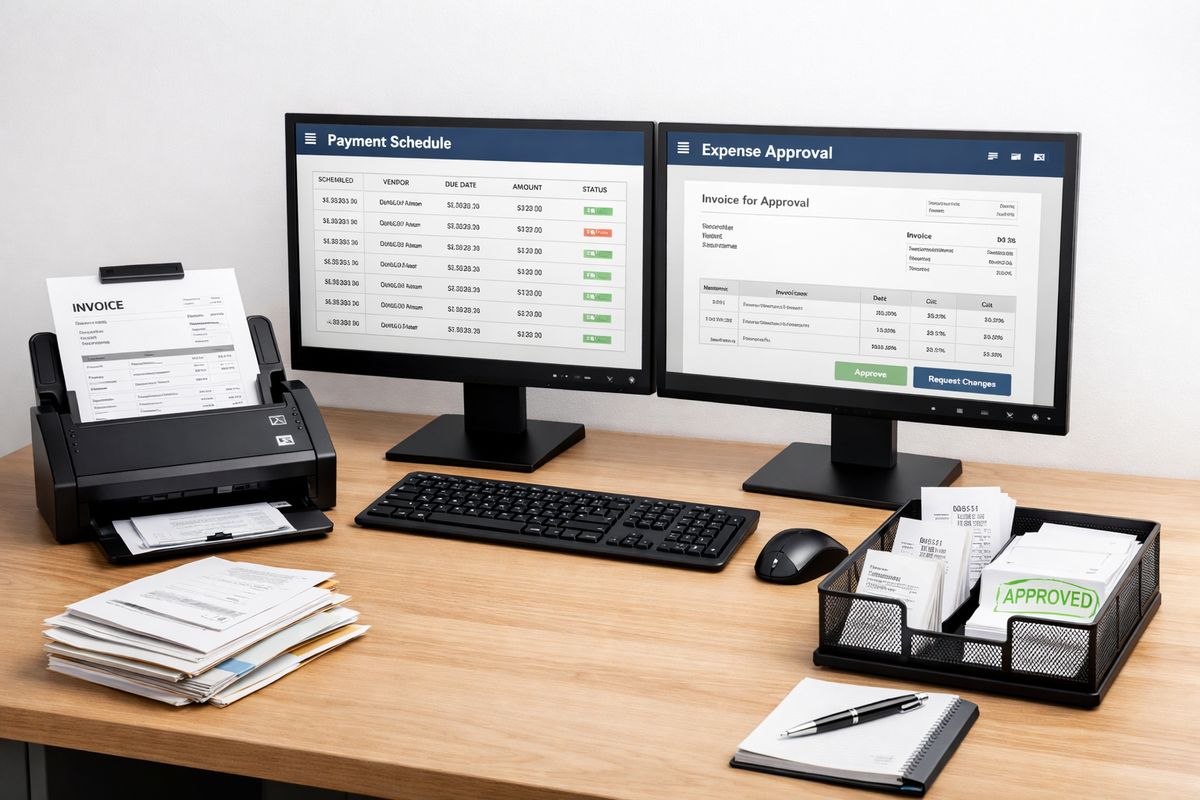
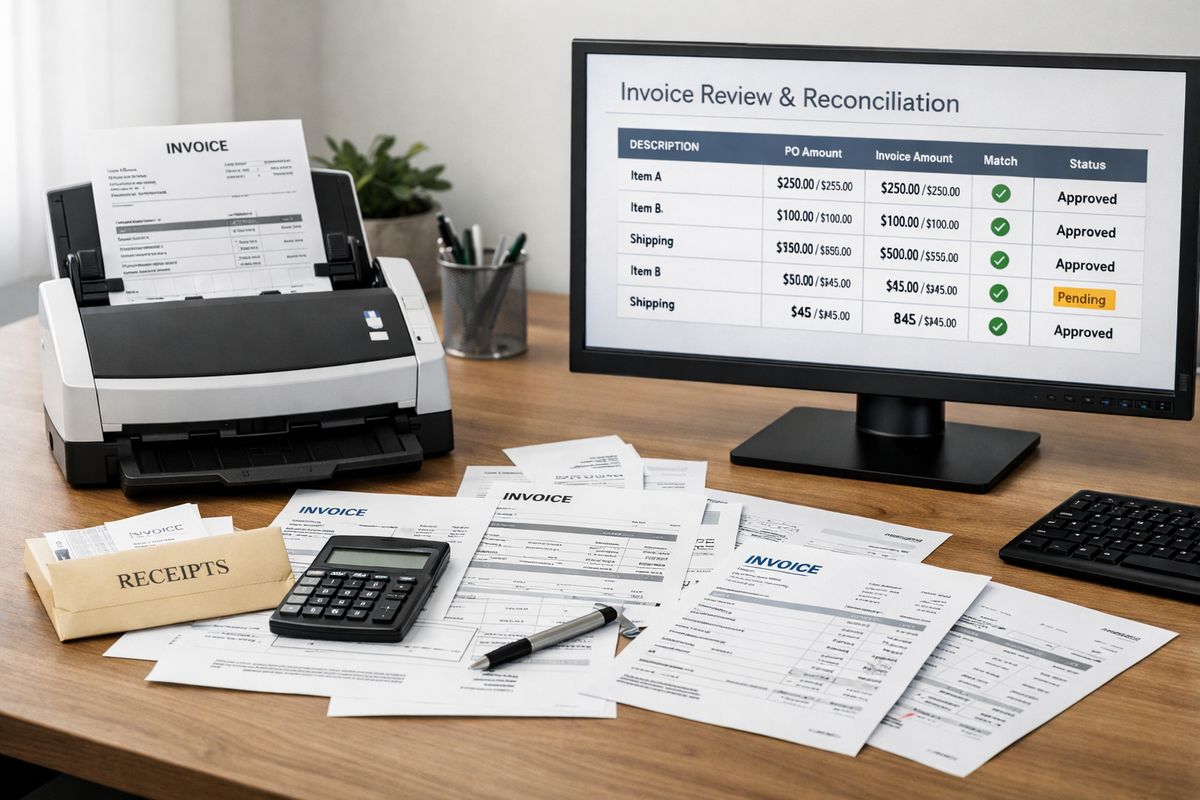
3. Automate Invoice Processing, Accounts Payable, and Expense Capture
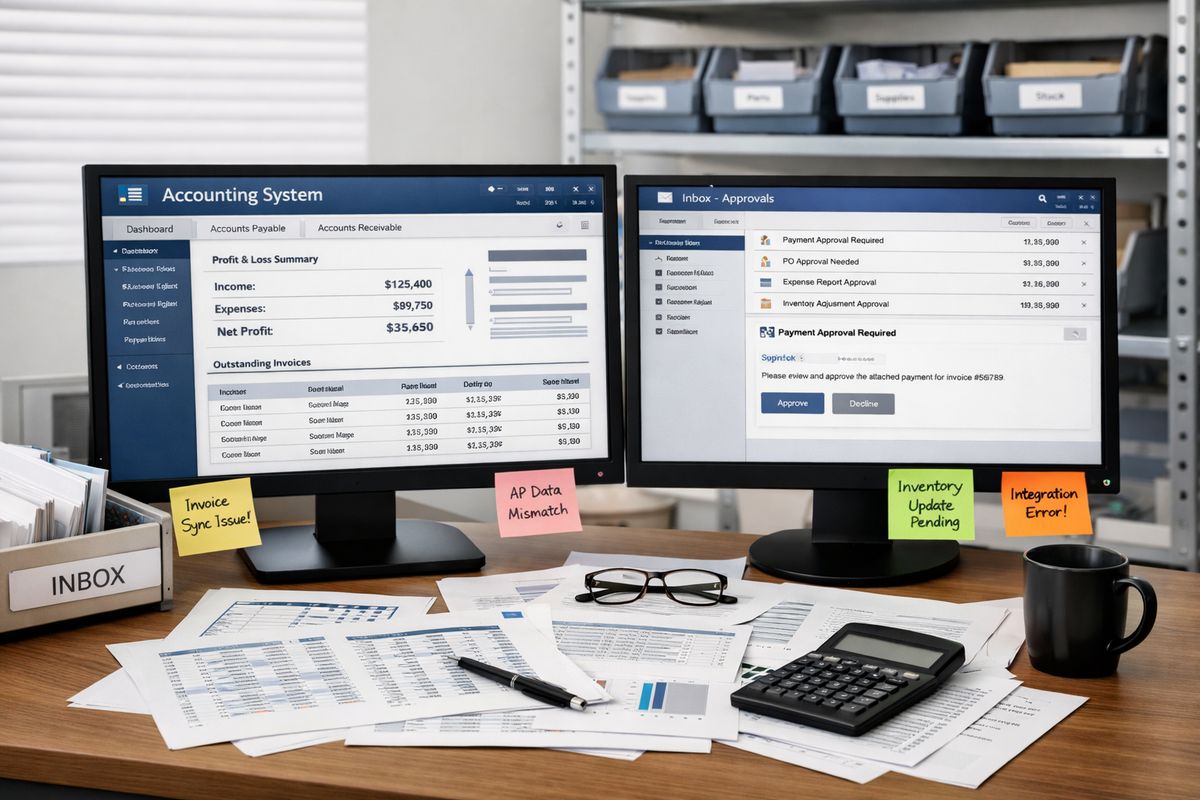
Accounts payable remains one of the easiest finance functions to improve fast. Supplier invoices arrive in different formats, coding gets handled manually, approval emails get buried, and expense claims turn into mini-audits. It is slow, inconsistent, and expensive.
Automating this area gives finance immediate relief and gives management better visibility over payables, commitments, and cash timing.
Fast wins in finance automation
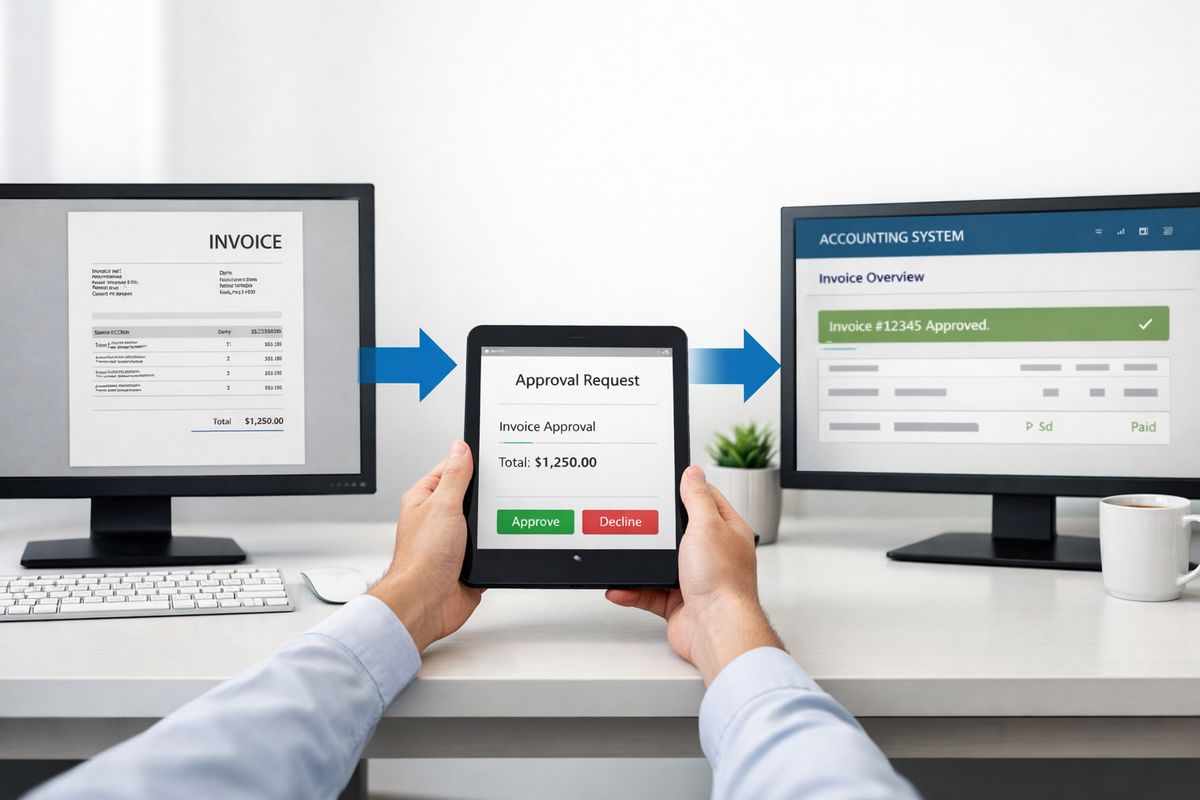
Use OCR or AI-based extraction to capture invoice data, apply coding suggestions, route approvals automatically, and flag exceptions instead of processing every document manually. Add PO matching and standard supplier records, and your team spends less time entering information and more time reviewing what actually needs judgment.
That shift matters. Automated workflows regularly deliver 20+ hours per week in time savings in repetitive process environments, and AP is one of the clearest examples.
Why CFOs and controllers should prioritise this
You get cleaner audit trails, fewer late payments, better control over authorisation, and stronger visibility into liabilities. Finance stops acting as a document-processing department and starts acting as a control function.
For any business aiming to improve reporting and cash discipline, this is a direct route to stronger visibility over finance workflows and controls.
4. Automate Credit Control and Collections to Protect Cash Flow
Revenue on paper does not pay wages, suppliers, or VAT. Cash collection does. That is why credit control deserves a higher place on your automation list than most SMEs give it.
Manual collections are slow by design. Somebody checks ageing, drafts an email, updates a spreadsheet, chases a promise to pay, then repeats the cycle next week. Meanwhile, overdue balances grow and forecasting confidence drops.
Where time is usually lost
Time disappears in switching between inboxes, ERP records, customer statements, and private trackers. Follow-up quality also varies from person to person, which means collections become inconsistent even when the process is simple.
Automated reminder sequences, statement sends, escalation rules, and promise-to-pay tracking fix that. Every customer gets the right message at the right stage, and every action is logged.
The measurable impact
You reduce debtor days, improve consistency, strengthen working capital control, and build a more reliable cash forecast. This is not glamorous automation. It is profitable automation.
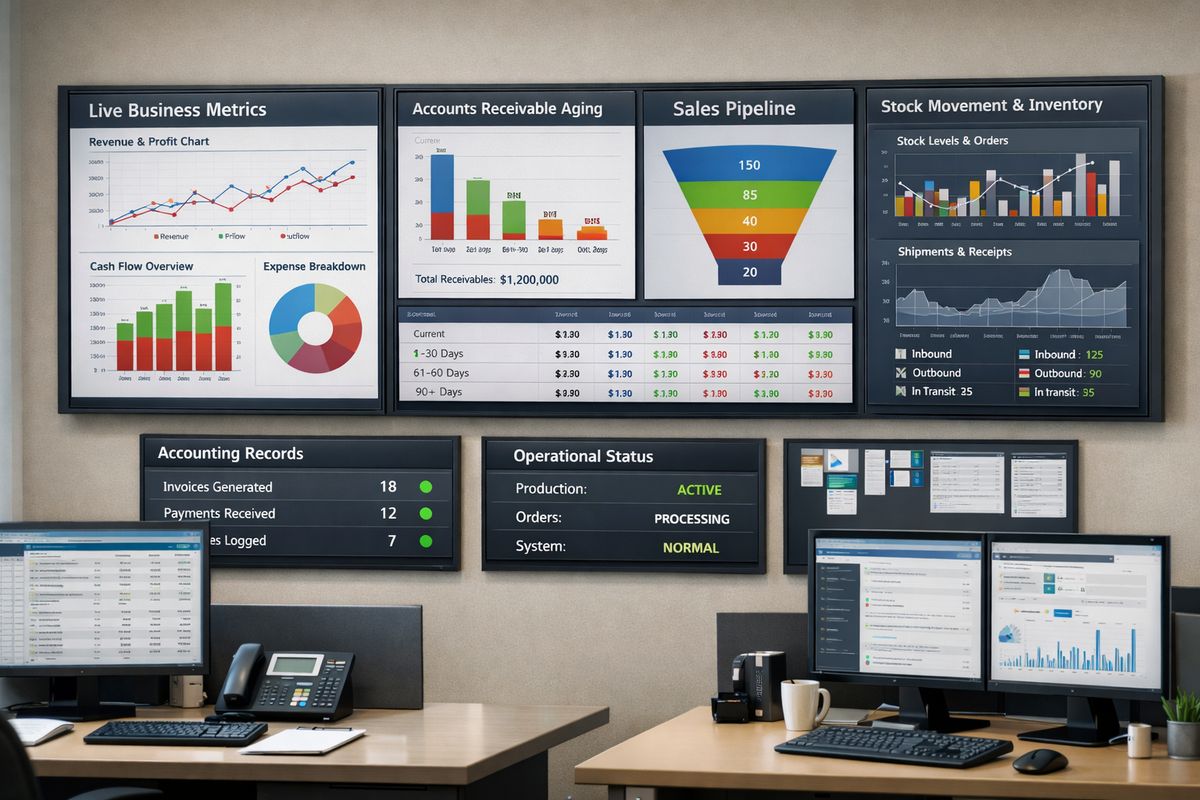
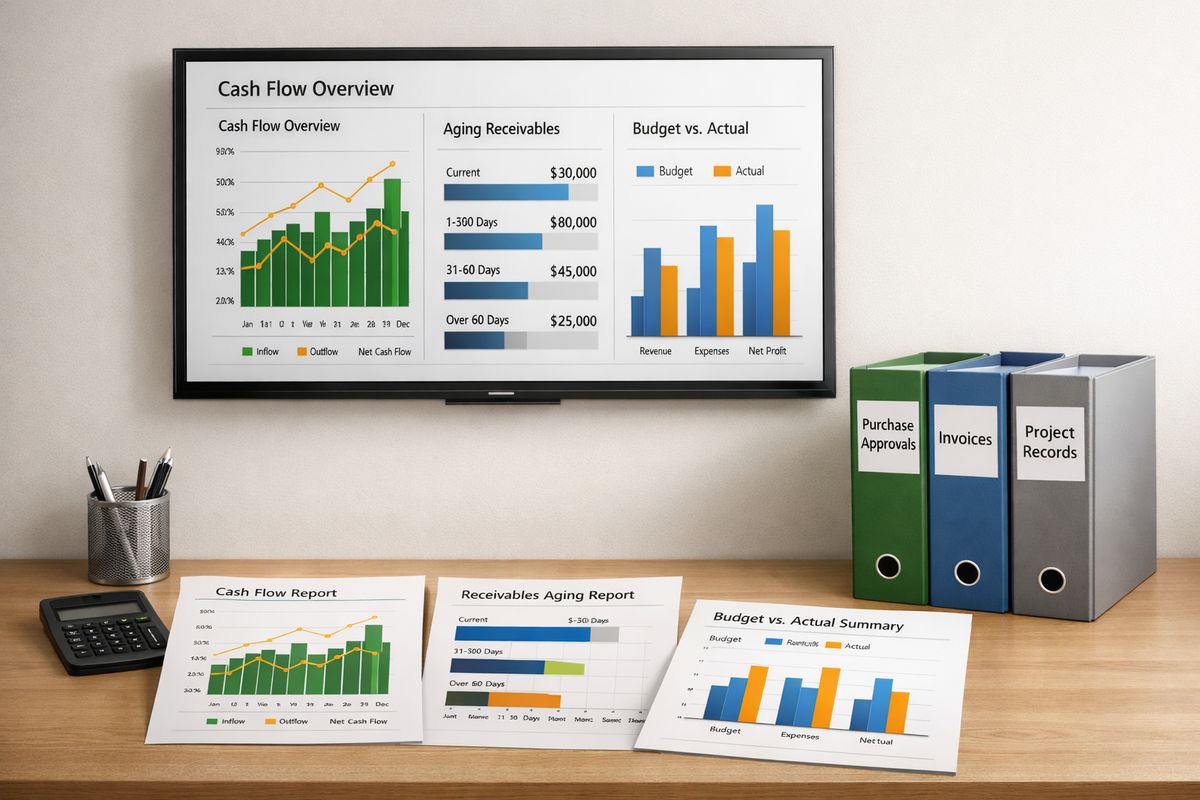
5. Automate Reporting, KPI Tracking, and Live Dashboards
Manual reporting steals time from every department. Finance builds weekly packs, operations update spreadsheets, department heads reconcile versions, and leadership waits for stale numbers. By the time the report is circulated, the moment to act has already passed.
Reporting automation removes that lag and replaces static packs with live visibility.
Reports that should stop being built manually
Weekly management packs, departmental KPI updates, operational summaries, and recurring board snapshots should pull from live systems automatically. Sales, margins, stock, work in progress, service metrics, and cash should update from source data, not from somebody rebuilding the same spreadsheet every Monday.
The Office for National Statistics has already linked operational automation with better insight, scalability, and efficiency. The principle is exactly the same in an SME.
What better visibility changes
You make decisions faster because the numbers are already there. You reduce spreadsheet dependency, tighten accountability, and create one trusted version of performance across finance and operations.
6. Automate Customer Response, Lead Capture, and Follow-Up
Slow response times kill revenue quietly. A website enquiry sits unassigned, a quote request waits for manual triage, or a lead enters the CRM days late. By then, the opportunity has cooled.
Customer-facing automation fixes that without adding headcount.
The workflows to prioritise
Start with website enquiries, quote requests, appointment confirmations, onboarding messages, and post-sale follow-ups. Route leads instantly, send acknowledgements automatically, update the CRM in real time, and trigger follow-up sequences based on status or customer action.
That speed is not optional anymore. Customer communication tools sit among the top-three AI use cases for small businesses because faster replies improve conversion and service quality at the same time.
Why speed matters commercially
A faster first response increases conversion, reduces dropped leads, and improves customer experience immediately. It also gives sales and service teams better pipeline discipline because follow-up no longer depends on memory.
7. Automate Marketing Production Where Output Is Repetitive
Marketing is often the first place SMEs adopt AI because the output is frequent and the gains are immediate. That makes sense, but only if you automate the repetitive layer, not your brand judgment.
Safe, practical marketing automations
Use automation for campaign scheduling, lead nurturing emails, CRM-triggered messaging, social drafts, ad variations, campaign summaries, and first-draft content generation. Those are production tasks, not final strategic decisions.
That priority aligns with market behaviour. Marketing and content creation remains the number one AI use case among small businesses because it saves time quickly and supports revenue activity directly.
The control point to keep in place
Keep human review on brand claims, pricing, regulated messaging, and anything that affects reputation. Automation should accelerate production, not publish unchecked content on your behalf.
8. Automate Pricing, Forecasting, and Decision Support
Once your transactional data is connected and reliable, move to decision automation. This is where automation stops being an efficiency project and starts improving commercial performance.
Where decision automation creates value
Use it for margin monitoring, pricing recommendations, reforecasting based on live data, and alerts when performance shifts abnormally. These tools help you react earlier, protect margin, and adjust faster than a spreadsheet-based process ever will.
Why this priority improves ROI
Pricing and forecast quality drive profitability directly. SBE Council found 97% of current users of AI-supported pricing tools report positive revenue impact. That is a stronger commercial case than most back-office software projects ever produce.
9. Automate Inventory, Purchasing, and Reorder Triggers
If your business carries stock, poor inventory control destroys both service and cash. Stockouts cost revenue. Over-ordering ties up working capital. Slow approvals and weak visibility make both problems worse.
Common operational bottlenecks
Typical issues include reorder points managed outside the system, delayed PO approvals, goods received not matched properly, and purchasing decisions made without live demand visibility.
Automating reorder alerts, supplier triggers, and purchasing workflows keeps inventory decisions aligned with actual activity instead of assumptions.
The benefit for finance and operations together
You improve service levels, stock accuracy, purchasing discipline, and working capital control in one move. That is exactly the kind of cross-functional gain automation should create.
10. Standardise the Process Before You Automate It
Bad processes do not become better because software touches them. They become faster at producing confusion.
Signs you are automating the wrong thing
Watch for unclear ownership, frequent exceptions, inconsistent data fields, approval confusion, and manual fixes happening outside the system. If the process depends on tribal knowledge, it is not ready.
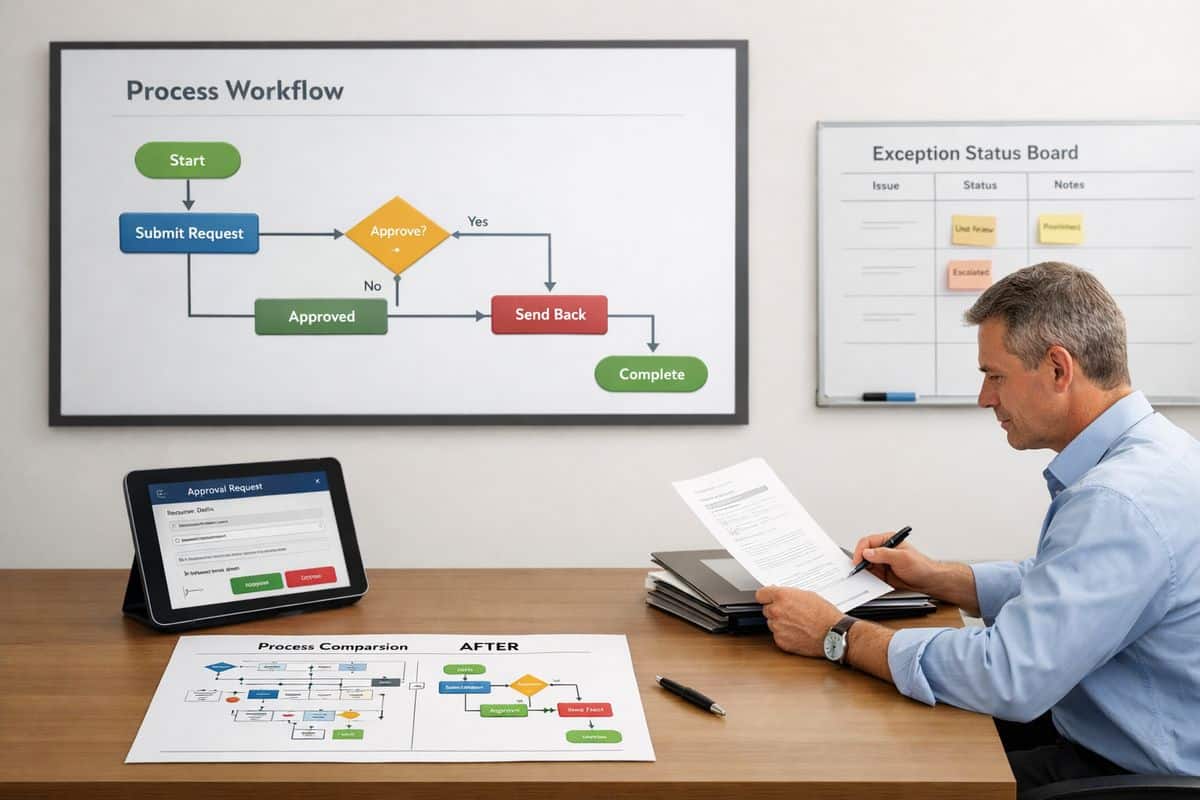
McKinsey’s view, echoed across SME research, is blunt: workflow redesign matters more than tool adoption when you want measurable business impact. That is why process mapping and change discipline come before scale. If needed, focus on making operational change stick across teams before buying more software.
A simple prioritisation filter
Rank opportunities by time saved, transaction volume, error frequency, cash impact, and implementation effort. If a process scores high on the first four and low on the fifth, move it to the front of the queue.
11. Build an Automation Stack That Fits Your Existing Systems
Most SMEs do not need one giant platform. You need a connected stack that matches how your business already runs. Research shows the median of five AI tools is now normal, which reflects reality: accounting, CRM, workflow automation, document capture, BI, and assistants each play different roles.
What good integration looks like
Good integration means shared master data, automated status updates, consistent records across departments, and fewer spreadsheet bridges. Your accounting platform, ERP, CRM, approvals, dashboards, and AI tools should pass information cleanly between each other.
What to avoid
Avoid isolated tools, duplicate databases, and point solutions that create fresh manual work. If a new app adds another export-import routine, it is not automation. It is overhead.
12. Measure Time Saved, Cash Impact, and ROI From Day One
Automation only counts as a priority if it produces visible gains quickly. If you do not measure the impact, you will not know what to scale, what to fix, or what to stop.
KPIs that show whether automation is working
Track processing time per task, days sales outstanding, close-cycle speed, lead response time, approval turnaround, reporting hours saved, error rates, and dashboard usage. Those numbers show if the automation is delivering operational control or just creating activity.
How to expand after the first wins
Start with one workflow, prove the gain, then extend into adjacent processes. That is how automation compounds. Once you can show time saved, cash improvement, and better visibility, expansion becomes an operational decision, not a leap of faith.
The best SME automation priorities are not the most advanced ones. They are the ones that remove friction fast, connect finance with operations, and give you control you can see every day.