
Xero automation is the use of automated workflows inside Xero, AI-assisted document capture, and connected apps to keep your finance data moving without constant manual input. That matters because faster finance processing gives you tighter cash control, cleaner reporting, and a business that runs on current numbers instead of last week’s guesswork.
What Xero Automation Actually Means
If you picture Xero automation as a robot running your accounts without oversight, you will be disappointed. If you picture it as a system that removes repetitive finance admin and keeps your books current, you have it exactly right.
In practical terms, Xero automation handles the repeatable parts of bookkeeping and finance operations. It captures documents, suggests coding, matches transactions, sends recurring invoices, triggers reminders, and pushes data between systems. Your team still reviews, approves, and makes judgement calls. That is the right model. Automation does the heavy lifting. Your finance control stays with you.
For a business owner, CFO, or financial controller, the real value is not novelty. It is speed and visibility. Current bank data, current receivables, current payables, current reporting. Once your ledger stays up to date throughout the month, decision-making changes. Budget reviews get sharper. Cash flow conversations get shorter. Month-end stops feeling like a rescue mission.
Native Automation, AI Capture, and Integrations
Xero automation makes the most sense when you break it into three layers.
The first layer is native automation inside Xero itself. That includes bank feeds, auto-matching, recurring invoices, payment reminders, repeating coding rules, and built-in reporting. These are the basics, and they solve a large share of day-to-day finance admin.
The second layer is AI-assisted capture. Xero’s recent AI capture rollout for UK customers pushes this further by extracting data from receipts, invoices, and similar records directly into the platform. That means less typing, fewer delays, and a faster route from paper or PDF to usable transaction data.
The third layer is integration. This is where Xero becomes a finance hub rather than just an accounting package. Payment tools, CRM platforms, payroll systems, e-commerce platforms, expense tools, and reporting platforms feed data into one accounting core. That is where finance and operations start acting like one system instead of a collection of disconnected tasks.
What It Delivers for Your Team
The outcomes are straightforward. Your team spends less time on data entry and correction. Reconciliation happens faster. Debtor control tightens because invoices and reminders go out on time. Reporting improves because live data feeds dashboards instead of sitting in inboxes and spreadsheets.
There is a human impact too. Xero’s research found small business owners lose 22 hours a month to financial management and many spend even more time worrying about it. Automation does not just cut admin. It reduces the drag that finance chaos puts on decisions, energy, and focus.
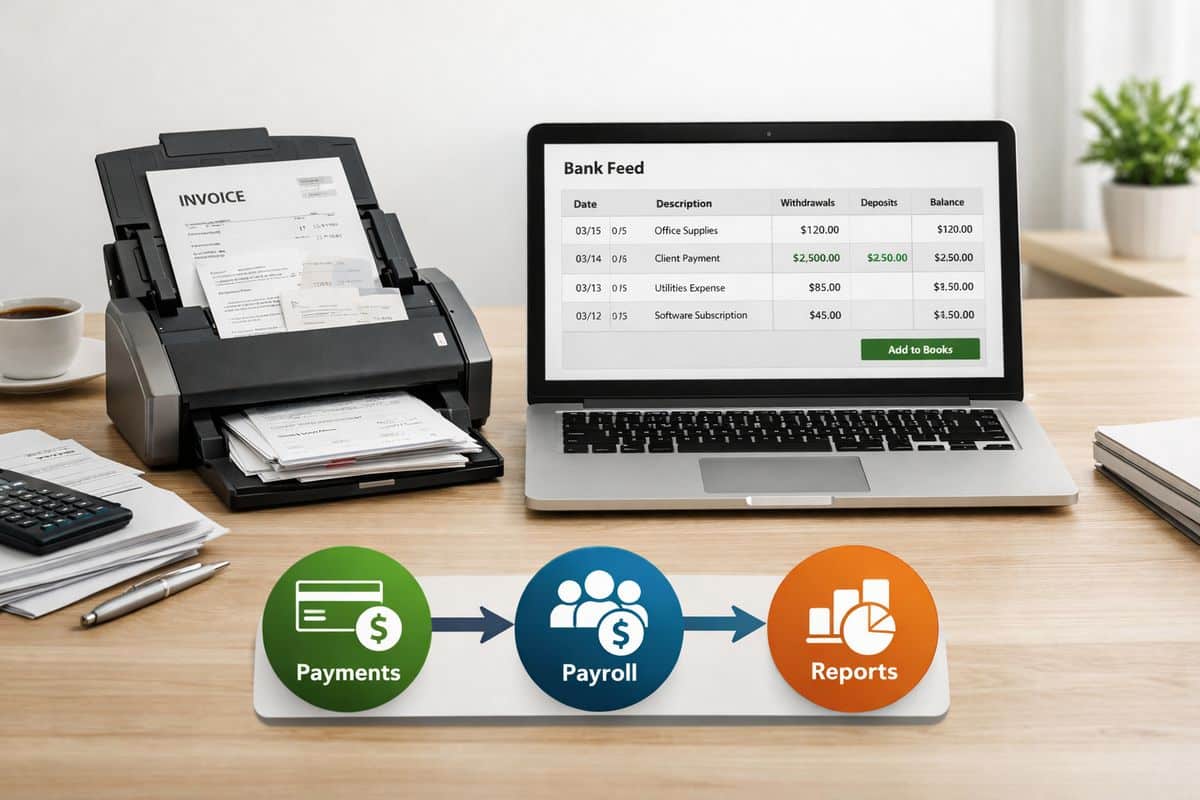
Where Xero Automation Delivers Immediate Value
The best place to judge Xero automation is not in theory but in routine workflows. The strongest wins usually show up in the tasks your team repeats every day or every week.
Invoice, Receipt, and Bill Capture
Document capture is one of the clearest examples. Receipts and bills can enter Xero through a photo in the mobile app, by email, or by drag-and-drop on the web. Instead of a finance person manually typing supplier names, dates, VAT, and totals, the system extracts the data and prepares it for review.
That matters because finance records are only useful when they are current. A pile of receipts sitting in a wallet or a shared mailbox is not a process. It is a reporting delay.
Xero says its AI can read documents in under 20 seconds. For businesses in Cyprus and Greece working with UK-linked compliance requirements, that push towards digital record-keeping is not just convenient. It supports cleaner evidence trails and faster month-end processing.
Bank Reconciliation and Recurring Coding
Bank reconciliation is where automation often pays back immediately. Bank feeds pull transactions into Xero automatically. The platform then suggests matches against invoices, bills, or captured documents. For repeating transactions, bank rules apply coding automatically so routine entries stop consuming attention.
This keeps your ledger alive throughout the month. Instead of waiting until month-end to work through a backlog, your finance data stays close to real time. That has a direct effect on cash visibility, VAT monitoring, and management reporting.
If reconciliation is still clunky, the issue is often not Xero itself but the workflow around it. Better bank rules and cleaner process design usually fix that, especially when you focus on removing friction from reconciliation work.
Repeating Invoices, Payment Reminders, and Cash Collection
Recurring billing is another quick win. Xero can generate repeating invoices, schedule them consistently, and send automated payment reminders when accounts become overdue. That changes debtor control from reactive chasing to a managed process.
This is not just an admin saving. It is a cash flow improvement. When invoices go out late, collection starts late. When reminders depend on memory, overdue balances grow quietly. Automated billing and reminders create discipline, and discipline improves cash conversion.
That is especially useful in operational businesses where the finance team is already stretched across supplier management, reporting, payroll, and approvals. Your invoicing process should not depend on somebody remembering to do it every month.
Reporting, Dashboards, and Month-End Visibility
Automation improves reporting because it improves the quality and timing of inputs. If receipts are captured quickly, bank transactions are reconciled continuously, and invoices are issued on schedule, reports become more reliable by default.
That is where Prodyssey Solutions positions Xero inside a broader control model. Through Real-Time Accounting, automation and connected reporting give you live visibility over cash, payables, receivables, profitability, and operational KPIs. The accounting system stops being a historical record and becomes a management tool.
The month-end benefit is obvious. Less backlog means less clean-up. Some Xero-based reporting workflows have cut close cycles from over 15 days to under 5. That result depends on process quality, but the principle is solid: when data entry happens daily through automation, month-end becomes a review exercise instead of a data-entry sprint.
What Xero Automation Can Do Beyond Bookkeeping
The bigger gains begin once you stop treating accounting as a separate function. Xero automation is strongest when finance, sales, fulfilment, payroll, and reporting connect around one current data set.
Connect Xero to Payments, CRM, Payroll, and Commerce Tools
Xero has over 1,000 apps across more than 30 categories. That scale matters because most operational inefficiency comes from handoffs between systems, not from one isolated task inside accounting.
Payment platforms can mark invoices as paid automatically. Expense tools can send approved claims straight into the ledger. Payroll systems can post payroll journals consistently. CRM and commerce tools can sync customers, sales activity, and billing events. Reporting tools can pull finance data without waiting for CSV exports.
For businesses upgrading systems across finance and operations, this is where Business Transformation work becomes valuable. The right setup simplifies the whole operating model, not just the bookkeeping.
Trigger Workflows Across Teams
Connected workflows remove duplicate entry between departments. A sale in your CRM can trigger an invoice. A payment received can alert operations. A customer record updated in one system can stay current in another. Finance data can feed operational dashboards without someone rebuilding reports every week.
This is the practical side of automation that often gets ignored. The win is not only faster bookkeeping. The win is fewer points where your team retypes, rechecks, or re-explains the same information across systems.
Approvals matter here as well. If you automate inflow but leave approvals vague, the process still stalls. That is why clear sign-off logic and better approval structures across finance teams make such a difference.
Build a Real-Time Operating View
Once your systems connect properly, you stop looking at finance in isolation. Revenue, costs, payables, cash, project activity, and operational KPIs can sit in one current view. That is the foundation for stronger forecasting and better control.
For businesses in Cyprus and Greece managing multiple functions, entities, or currencies, this matters even more. A live operating view helps you spot margin pressure earlier, see collection issues sooner, and compare performance without waiting for end-of-month consolidation. If your structure is more complex, it is worth understanding what stronger group-level visibility requires.

What Xero Automation Does Not Do
This is where sensible expectations matter.
It Does Not Replace Review, Approval, or Finance Control
Automation processes transactions. It does not replace judgement. Your team still owns coding review, approvals, exception handling, and policy decisions. AI can extract data and suggest matches, but it should not have unchecked authority over your books.
The best use of assistive AI in finance is speed plus review, not blind posting.
It Does Not Fix Broken Processes on Its Own
If your chart of accounts is messy, approval rules are unclear, supplier records are inconsistent, or teams work in silos, automation will expose the mess faster. It will not solve it for you.
That is why process mapping matters before tool selection. A poor workflow done faster is still a poor workflow. If your current setup feels too basic or overly manual, the underlying issue is often structure rather than software. That is exactly what shows up when your finance system has not kept pace with growth.
It Does Not Mean Every Task Should Be Automated
High-volume, low-variance tasks are ideal for automation. Unusual transactions, sensitive approvals, and complex adjustments still deserve hands-on review. Chasing full automation everywhere is usually a mistake. Focus on the tasks where consistency and speed create measurable value.
How to Decide What to Automate First
The best starting point is not the fanciest tool. It is the process wasting the most time and causing the most friction.
Start With Repetitive, Time-Heavy Tasks
Invoice entry, receipt capture, recurring supplier coding, bank reconciliation, recurring invoices, reminders, and routine reporting are the obvious starting points. These tasks repeat constantly, absorb time, and generate avoidable errors when handled manually.
Automate where volume is high and rules are clear. That gives you quick wins and cleaner adoption.
Assess ROI in Time, Accuracy, and Cash Flow
Measure automation against business outcomes, not software features. Look at hours saved, reduction in posting errors, faster approvals, shorter close cycles, stronger collections, and reporting that arrives on time. Admin savings matter, but decision quality matters more. Better data arriving earlier improves forecasting, cash planning, and management control.
Prioritise Processes That Improve Visibility
The best first automations are the ones that keep your ledger current. Once your books stay up to date during the month, every dashboard, KPI review, and budget discussion improves. Visibility is the multiplier. Without it, automation is just a nicer way to process old data.
How to Implement Xero Automation Without Disruption
Automation projects fail when tools are added before workflows are understood. The cleaner route is simpler.
Map the Current Workflow Before Adding Tools
Document how invoices, receipts, approvals, reconciliations, and reporting move through your business today. That exposes delays, duplicate work, missing controls, and ownership gaps between finance and operations.
Without this step, you risk automating confusion.
Choose Tools That Fit Your Local Compliance and Team Structure
Your app stack must fit the way your business actually runs. That includes digital record-keeping, tax handling, payroll realities, approval structures, and local operating needs in Cyprus and Greece. Clean integration matters more than feature overload.
Training matters too. Even strong automation tools lose value when your team does not understand how to use them properly. Adoption improves quickly when you focus on getting staff confident in the system.
Launch in Phases and Measure Performance
Start with one or two high-impact workflows. Stabilise them. Then expand. Measure reduced admin time, fewer corrections, faster approvals, quicker reporting, and better cash visibility. Controlled rollout beats big-bang implementation every time.
Common Questions About Xero Automation
Is Xero Automation the Same as AI Accounting?
No. AI accounting suggests autonomous decision-making. Xero automation is mainly process automation with assistive AI layered in. AI helps capture data, recognise patterns, and suggest matches. Your accounting control still depends on review, approval, and policy.
What Should Your Team Automate First in Xero?
Start with receipt and bill capture, bank reconciliation, recurring coding, repeating invoices, payment reminders, and reporting feeds. These deliver the fastest operational return because they are frequent, rules-based, and closely tied to visibility.
Is Xero Enough on Its Own, or Do You Need Add-Ons?
Xero handles a strong core set of automations natively. But the biggest gains often come from connecting payments, expenses, payroll, CRM, e-commerce, and reporting tools around it. Native features give you efficiency. Connected systems give you control.
How Do You Know Automation Is Working?
You can see it in the numbers and in the workflow. Processing time drops. Manual touchpoints fall. Posting errors reduce. Approvals move faster. Month-end closes sooner. Dashboards stay current. Cash visibility improves. Most importantly, your finance team spends more time reviewing and deciding, and less time retyping.
Once you understand Xero automation properly, the question stops being “Can accounting be automated?” and becomes “Which finance and operational bottlenecks are still wasting your time?” That shift is where better control starts.
Leave a Reply