
Automation mistakes do not just waste software budget. They slow approvals, distort reporting, weaken cash flow control, and create more manual work in the exact places where you expected speed. Done properly, automation cuts cycle times by 50 to 70 percent, reduces errors sharply, and gives you back hours every week. Done badly, it locks confusion into your operating model.
1. Automating a Broken Process
Automation never repairs a messy workflow. It scales it.
If your order-to-cash flow already includes duplicate entry, unclear approvals, side conversations in email, and spreadsheet workarounds, automating it simply pushes the same friction through the business faster. The result is not efficiency. It is faster confusion, more exceptions, and less trust in the system.
This shows up most clearly in purchasing, stock updates, invoice approval, and month-end close. If nobody agrees on the right sequence of steps, no tool can fix that for you. Before you automate anything, simplify the process, remove duplicate actions, and define the shortest clean path from start to finish. That is where checking your operational readiness stops bad automation before it starts.
What this looks like in day-to-day operations
You see rekeying between CRM, accounting, and inventory. You see five approval layers for low-value purchases. You see operations marking work as complete while finance is still waiting for backup. You see manual chasing because hand-offs are implied rather than defined.
Research shows 54% of enterprises struggle to map complex processes during automation. That number makes sense. Cross-functional workflows are where hidden delays live.
What to fix before you automate
Map the workflow step by step. Define who owns each stage. Tighten approval logic so low-risk items move fast and higher-risk items route correctly. Set exception rules in advance. Most of all, define what “done” means at each point, because vague completion rules create rework later.

2. Choosing the Wrong Tasks to Automate First
A common failure is starting with something easy to demonstrate instead of something valuable to improve.
If you automate a low-volume task that happens once a month, you get a nice demo and no real business gain. Momentum drops. Teams lose interest. Budget gets questioned. Your first automations should target repetitive, rules-based, high-volume work that frees capacity fast and improves control immediately.
Invoice capture, payment matching, recurring reporting, follow-up reminders, and status updates are strong starting points. They hit speed, accuracy, and labour efficiency all at once. Across operational teams, workflow automation can save 10 to 15 hours per employee per week. That is not a marginal gain. It is real capacity.
High-value automation opportunities
Start where people repeat the same decision hundreds of times. Data entry, follow-ups, approvals, reconciliations, and operational alerts produce fast returns because the logic is stable and the volume is high. These are exactly the workflows where connecting finance and operations properly starts to pay off.
Low-value automations that waste budget
Do not start with rare, inconsistent, or judgement-heavy tasks. If a process changes every week, relies on special handling, or depends on commercial judgement, it is a poor automation candidate for phase one. The return is weak, and the maintenance burden is high.
The better route is simple: automate repetitive work first, then expand once the operating rules are stable.
3. Ignoring Data Quality and Master Data Control
Bad data destroys good automation.
If supplier records are duplicated, stock codes are inconsistent, pricing tables are outdated, or customer details differ across systems, automated workflows either fail outright or push the wrong output through faster. Then invoicing gets delayed, reporting loses credibility, and your team falls back into manual checks to feel safe again.
This is where finance leaders often feel the damage first. Dirty data hits revenue recognition, margin analysis, payables control, and cash flow visibility. It also undermines confidence in dashboards, which defeats the point of real-time reporting.
The real cost of dirty data
Duplicate records trigger duplicate actions. Missing fields stop approvals. Inconsistent naming breaks matching rules. Outdated information sends work to the wrong place. None of this stays local. Errors spread from sales to fulfilment to invoicing to month-end.
The upside of getting this right is huge. 92% of businesses using automated workflows report error reductions of up to 80 percent. That only happens when the data underneath the workflow is controlled.
Data rules that keep automation reliable
Set validation rules at entry. Standardise mandatory fields. Assign ownership for customer, supplier, product, and account data. Run cleansing routines regularly. Put governance around changes so one team does not quietly break logic for everyone else.
If you want reliable automation, master data is not admin. It is infrastructure.
4. Creating Tool Silos Instead of Connected Workflows
Buying more software does not create control. Connected workflows create control.
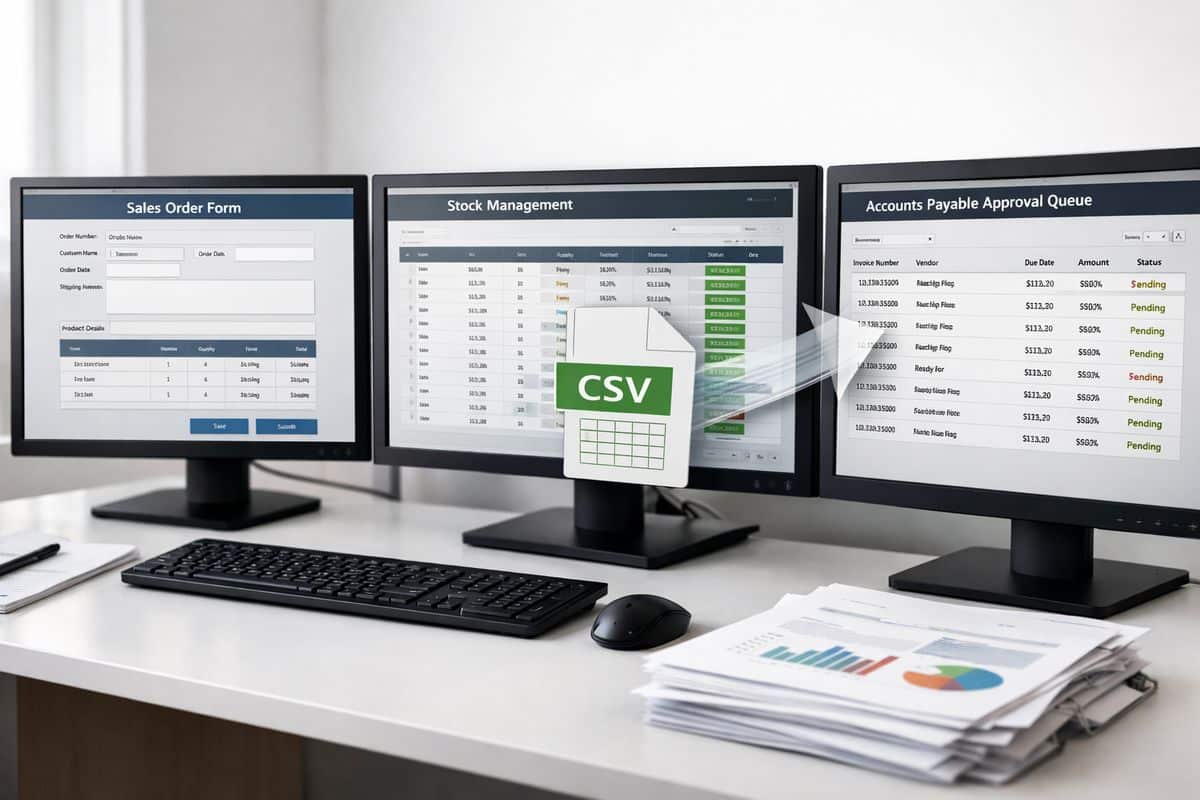
You can automate approvals in one app, stock updates in another, project tracking in a third, and still end up slower because nothing shares data properly. Then your team exports CSV files, checks inboxes for approval status, and asks finance to confirm what is already supposed to be visible in the system.
That is the real cost of tool silos. You have automation at the task level, but not at the operating-model level.
Where silos hit hardest
Sales to invoicing is a frequent failure point. So is procurement to accounts payable. Stock to fulfilment is another. Project delivery to financial reporting causes the same pain, especially when operational progress and financial impact sit in different systems.
For businesses in Cyprus and Greece managing multiple entities, currencies, sites, or teams, disconnected tools create even more delay. Shared data matters because finance and operations need the same version of events, not separate interpretations.
Why connected systems improve control
When your systems share data in real time, you remove manual exports, reduce reconciliation work, and get live visibility over what is happening now. That is the model Prodyssey Solutions builds through Business Transformation, linking workflows, reporting, and approvals so finance, operations, and technology work as one.
5. Failing to Define Ownership, Rules, and Exceptions
Automation without ownership becomes a silent mess.
Every workflow needs one named business owner. Not a platform owner. Not a vague department label. One person responsible for performance, rule changes, exception handling, and ongoing improvement. Without that, issues sit unresolved, approval queues stall, and nobody knows who should fix the logic.
Automation needs a named owner
Ownership means more than signing off the build. It means monitoring exception rates, reviewing bottlenecks, adjusting thresholds, and protecting process integrity as the business changes. If your workflow matters financially, its owner needs operational authority.
Build for the exceptions, not just the happy path
Most workflows look clean in a demo. Real business does not.
Returns, credit notes, supplier mismatches, partial deliveries, disputed invoices, and pricing exceptions need defined routes. If the automation only handles the ideal scenario, the first exception sends your team into manual panic mode. The catch is simple: exceptions are where control either holds or collapses.
6. Taking a “Set It and Forget It” Approach
Automation is not a one-time install. It is an operating capability.
Once launched, workflows need review. Approval thresholds change. Teams change. regulations change. Customer expectations change. If your automation logic stays frozen, it becomes outdated and starts creating delays you do not immediately see.
A small workflow can go stale in one quarter. A finance workflow can become risky even faster.
Warning signs that a workflow is stale
You see exception volumes rising. Approval times get longer. People restart using spreadsheets because the workflow no longer fits reality. Users bypass the system to get work done. Those are not adoption issues alone. They are design signals.
How to keep workflows performing
Review KPIs quarterly. Test changes on real operational data, not ideal test samples. Keep version control so adjustments are visible and reversible. Capture user feedback from finance and operations together, because the friction usually sits between the two.
If you want a practical benchmark for value, measuring what the automation is actually returning keeps optimisation grounded in results rather than assumptions.
7. Skipping Team Training and Change Management
Good automation still fails if your team does not trust it.
Resistance appears quickly when responsibilities are unclear, visibility is poor, or staff feel the system has taken control away from them. That resistance does not always look dramatic. More often, it shows up as quiet workarounds, side spreadsheets, and “just in case” manual checks.
Why resistance appears fast
People resist what they cannot see and do not understand. If the workflow logic is invisible, the output feels risky. If no one explains when human intervention is required, every edge case becomes a confidence problem.
Change management is one of the most common adoption barriers in workflow automation projects. That is why getting teams to use the system properly is an operational requirement, not a nice extra.
What effective rollout looks like
Train by role, not in generic group sessions. Give each function a simple SOP. Use internal champions who can answer real questions in real workflows. Show where the data comes from, what the rules are, and when escalation is expected.
Confidence grows when people see control, not just technology.
8. Measuring Activity Instead of Business Outcomes
Counting automations built tells you nothing useful. Counting time saved, errors removed, and cash collected faster tells you everything.
CFOs and financial controllers do not need vanity metrics. You need cycle time, error rates, cost per transaction, DSO, approval turnaround, and capacity freed. Those numbers show whether automation is improving margin and control or just moving work around.
KPIs that matter
Track close speed, transaction accuracy, labour hours saved, response times, exception rates, and cash flow impact. Before-and-after measurement is non-negotiable. Without a baseline, every claim about success is soft.
The financial case is strong when the numbers are real. Businesses adopting automation report 22% lower costs within a few years, but only when redundant steps and manual effort are genuinely removed.
How to prove automation value
Benchmark the old process. Measure the new one. Put the results on dashboards that link operational performance to financial outcomes. If invoice turnaround drops, show the effect on collections. If approval speed improves, show the impact on fulfilment or purchasing lead times. That is how you build a serious case around the return on process improvement spend.
9. Giving Automation Too Much Control Without Human Oversight
Full automation is not the goal. Stronger control with less manual drag is the goal.
Finance and operations include decisions that carry financial exposure, compliance risk, and customer impact. Credit limits, supplier bank detail changes, unusual payments, pricing exceptions, and contract terms need controlled review. If you remove all checkpoints, you increase speed at the expense of governance.
Where human review remains essential
Any transaction outside normal thresholds needs a human decision. The same applies to unusual AI-generated outputs, non-standard supplier changes, and edge cases that affect legal or commercial commitments. Automation should route, flag, and prepare decisions. It should not own high-risk judgement.
Evidence from other high-stakes sectors shows how dangerous overtrust can become. Incorrect decision support can push people into worse decisions when oversight disappears. Business workflows need the same discipline.
The right balance between speed and control
Use thresholds, alerts, approval limits, audit trails, and dashboard visibility. Keep standard work automated and low friction. Escalate exceptions cleanly. That balance is exactly where platforms such as InsightFlow create value, giving you live visibility without handing blind control to the system.
Turn these mistakes into a faster, connected operating model
The fastest teams do not automate everything. You automate the right processes, on clean data, with clear ownership, connected systems, visible KPIs, and sensible human oversight. That is how you get real-time control, stronger cash flow visibility, and faster execution without adding manual drag back into the business.
If your finance and operational workflows still depend on spreadsheets, inbox approvals, and rekeying between systems, the problem is not a lack of effort. It is an operating model that needs redesign. Fix that, and automation starts doing what it promised in the first place.
Leave a Reply